
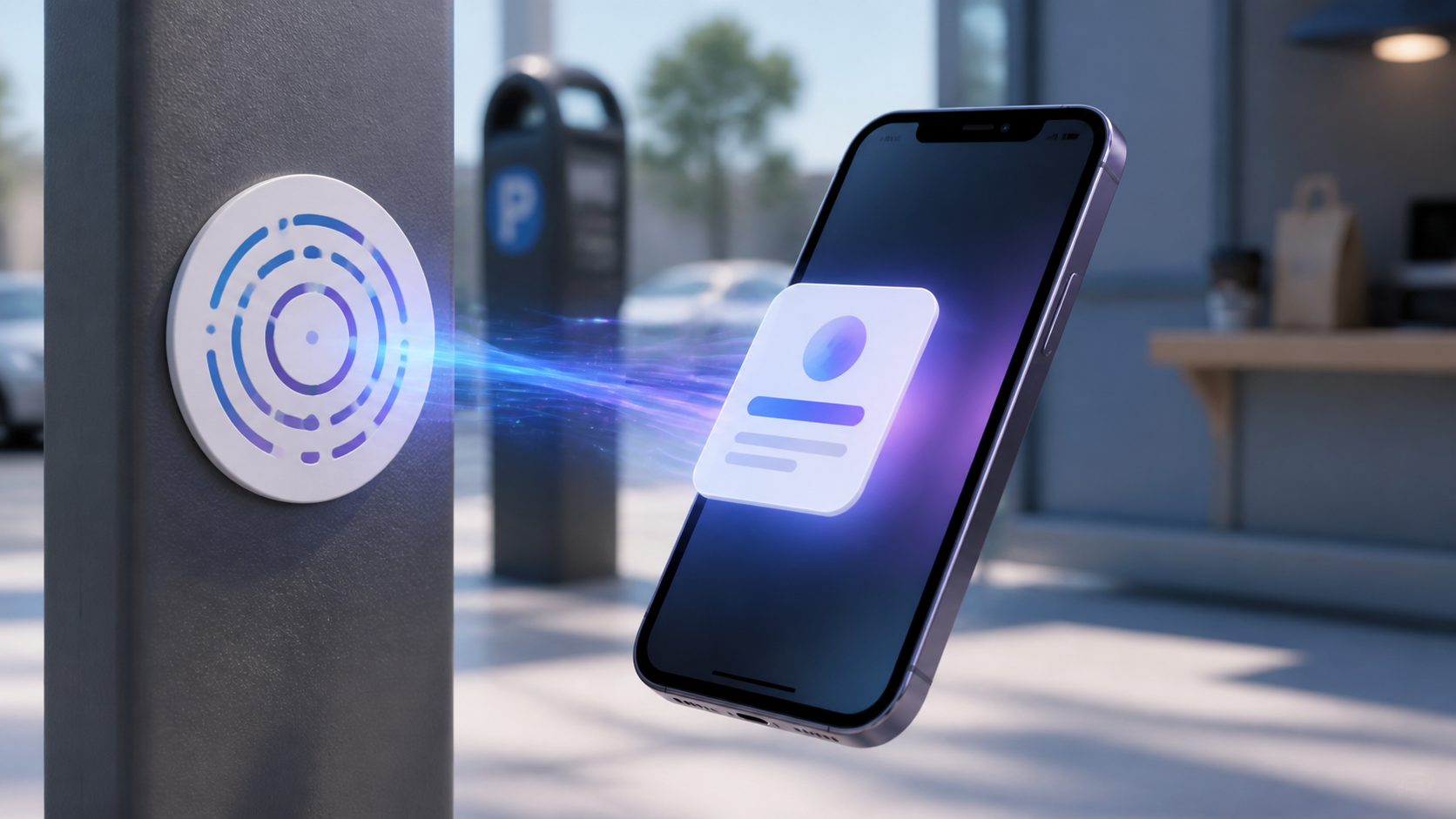
Nobody wants to install a full app, create an account, and hunt through menus just to pay for parking or collect a food order. That single-use friction is the problem behind the search “what is App Clip?”
An App Clip is a lightweight part of an iPhone app that opens on demand, lets someone complete a focused task, and requires no full-app installation first. It delivers a native iOS experience from a link, code, tag, or place listing, then can hand the user into the full app if they choose to install it.
This guide explains the App Clips meaning for users and app teams, how an App Clip launches, what it can and cannot do, and when building one is worth the engineering work.
What is App Clip on iPhone?
An App Clip is not a separate mini app that a user browses for in the App Store. It is a small, task-specific experience attached to a full iOS app. Apple describes it as a lightweight version that exposes some of the app's functionality at the moment it is useful, such as ordering from a nearby shop without installing its complete loyalty app. See Apple's App Clip developer overview.
Apple introduced iOS App Clips with iOS 14, and they remain available on supported iPhones. A person might encounter one while scanning a code on a parking meter, tapping a restaurant in Maps, opening a link in Messages, or visiting a website in Safari. The experience appears as an App Clip card with an image, short description, and action button before it opens.
Do not confuse an App Clip with Apple's former Clips video-editing app. The singular feature is part of another developer's app; the similarly named video app was a standalone Apple product.
How does an App Clip work?
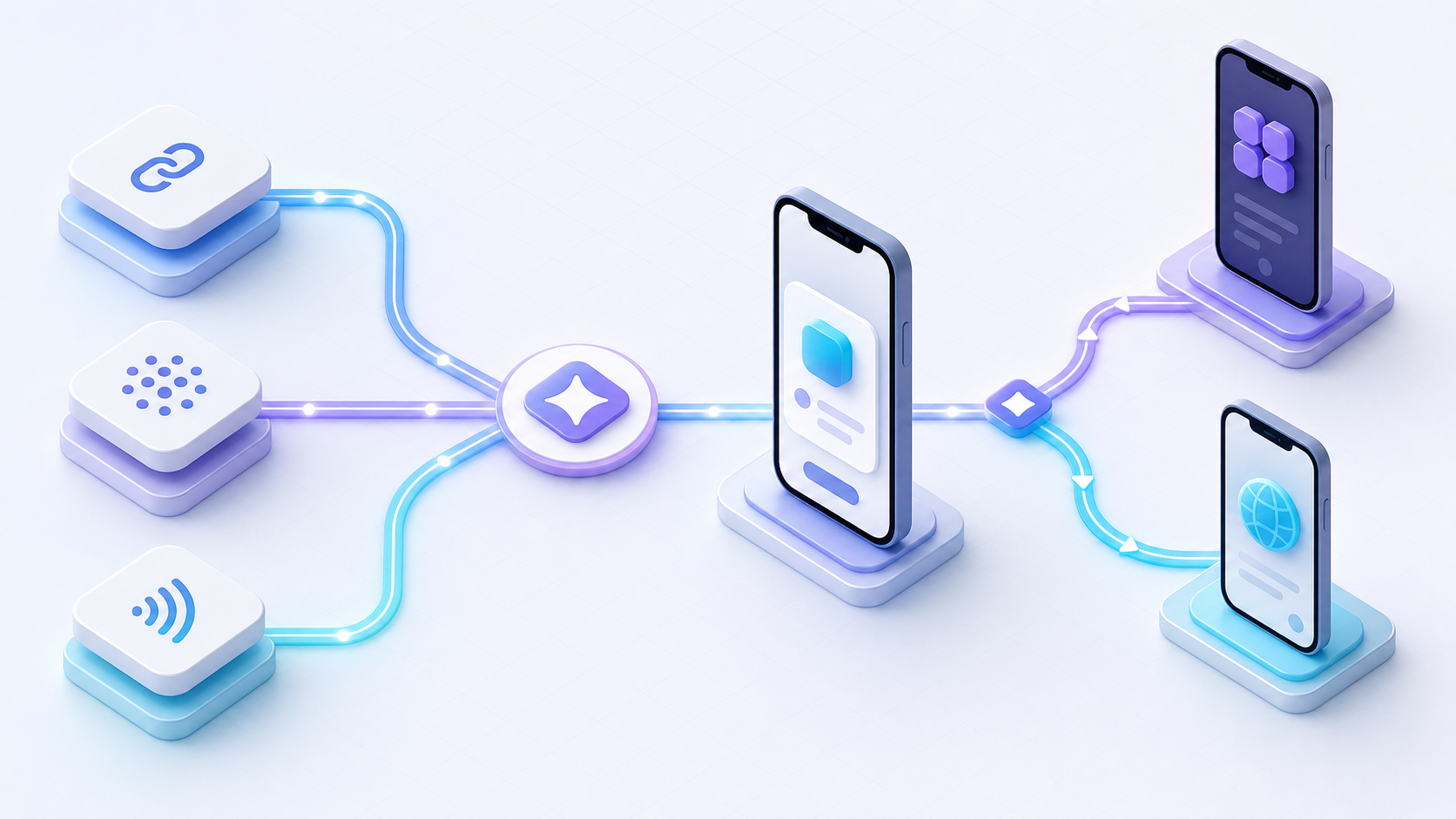
An App Clip journey has four parts: an invocation, a verified URL, an App Clip card, and the focused native experience.
- The user invokes it. They tap a link or scan an App Clip Code, QR code, or NFC tag. Maps, Messages, Safari, Siri suggestions, email, and another app can also provide entry points.
- iOS resolves the invocation URL. The URL identifies the correct experience and can carry context such as a store, product, or order path.
- The App Clip card appears. Its metadata tells the user who provides the experience and what the primary action will do.
- The App Clip opens to the task. The user can act immediately, often with Sign in with Apple or Apple Pay instead of a long registration and checkout flow.
Apple's launch configuration guide explains that the system matches the invocation URL to an experience configured in App Store Connect. The most specific matching URL prefix wins, so one app can serve different locations or tasks while sharing the same App Clip binary.
If the full app is already installed, iOS opens that instead of the App Clip. The full app therefore needs to understand the same invocation URLs and route the person to equivalent content. This detail is easy to miss: an App Clip is one branch of a link-routing system, not a replacement for deep linking.
How to use an App Clip on iPhone
There is no App Clip catalog to search. You use one when a business or developer places an entry point in the context where the task makes sense.
- App Clip Code or QR code: Open the iPhone camera or Code Scanner and scan it.
- NFC tag: Hold a compatible iPhone near the tag.
- Maps: Open a supported place card and tap the App Clip action.
- Safari, Messages, email, or another app: Tap a supported link or preview.
When the card appears, review the provider and action, then tap Open or Play. Complete the task inside the temporary experience. Supported clips may let you authenticate with Sign in with Apple and authorize a payment with Apple Pay. These current access methods are documented in the iPhone User Guide for App Clips.
Recently used App Clips appear at the bottom of the alphabetical list in App Library search. To remove one manually, touch and hold it there and choose Remove App Clip. Apple also removes App Clips after a period of inactivity, so they do not behave like permanent Home Screen apps.
What is App Clip used for?
The strongest use case is a short, urgent job with a clear finish line. Good examples include:
- paying for parking, fuel, or an EV charge;
- renting a bike or scooter;
- ordering and paying at a restaurant;
- checking in, reserving a place, or retrieving a ticket;
- configuring a nearby device;
- previewing one workout, game level, or piece of content before installation.
The pattern matters more than the industry: the user has context, intent, and a reason to act now. The App Clip removes the app-install detour between those three things and the desired outcome.
It is a poor fit for long onboarding, broad account management, content browsing with many branches, or workflows that depend on repeated offline use. Apple's design guidance says to keep the experience focused on the task at hand and not turn it into an advertising surface. A full app or a well-designed mobile website is usually better when exploration is the goal; review Apple's App Clip design guidance before choosing the scope.
App Clip limits, privacy, and data handoff
“Lightweight” no longer means every App Clip has the same tiny binary limit. Apple's current App Clip size rules depend on the minimum iOS version and how the experience launches:
| Minimum deployment and invocation | Maximum uncompressed variant size |
|---|---|
| Earlier than iOS 16 | 10 MB |
| iOS 16 and later | 15 MB |
| iOS 17 and later, digital-only and meeting Apple's extra conditions | 100 MB |
The 100 MB option is not a general allowance for every App Clip. It requires digital invocation, excludes physical App Clip Codes, QR codes, and NFC tags, assumes reliable connectivity, and cannot support pre-iOS 17 devices. A smaller target preserves more invocation options and usually produces a faster first experience.
App Clips also have deliberately constrained persistence and permissions. They can receive ephemeral notifications for up to eight hours after each launch when configured, while longer notification access requires explicit permission. Apple's notification documentation recommends using those messages to finish the task, such as reporting an order status, rather than for promotion.
An App Clip can pass selected state to its corresponding full app through approved shared mechanisms. Apple cautions developers not to put sensitive information such as passwords in shared containers or user defaults; the data-sharing guidance for App Clips recommends anonymized identifiers there and the keychain for sensitive values. This supports a smoother upgrade without treating the temporary experience as an unrestricted data bridge.
App Clip vs full app vs mobile website
The right format depends on the job, not on which technology feels newest.
| Question | App Clip | Full iOS app | Mobile website |
|---|---|---|---|
| Must the user install first? | No | Yes | No |
| Experience | Focused, native task | Complete native product | Browser-based journey |
| Best discovery context | Links, codes, NFC, Maps, nearby intent | App Store, campaigns, existing users | Search, links, any modern platform |
| Best for | One immediate action or demo | Repeated use and broad functionality | Cross-platform reach and content |
| Main tradeoff | iOS-only scope and App Clip constraints | Highest acquisition friction | Less native integration and control |
App Clips were often compared with Google Play Instant on Android. That is no longer a workable parity plan: Google states that, starting in December 2025, Instant Apps can no longer be published and users are no longer served them through Google Play. Google's deprecation notice points Android teams toward regular apps and deep links instead. A cross-platform journey now typically pairs an App Clip on iOS with a mobile web fallback and deep links into the installed Android app.
Should your app build an App Clip?
Start with the task, not the target in Xcode. An App Clip is promising when all of these are true:
- a user can get meaningful value in one short session;
- the entry point naturally appears beside the need, online or in the physical world;
- Sign in with Apple, Apple Pay, or a guest flow can keep onboarding brief;
- the same URL can route installed users into the matching full-app screen;
- the team can support an iOS-specific experience plus a non-iOS fallback;
- success can be measured as task completion, not only full-app installs.
If the concept survives that test, define one invocation URL and one completion event before writing UI code. Add an App Clip target in Xcode, share only the necessary code with the full app, configure the required default experience in App Store Connect, and then add advanced experiences only when locations or multiple domains require them. Website-based and older-system invocations may also require an appclips association in the AASA file; the implementation details are covered in Apple's website association guide and our AASA setup and testing guide.
If campaigns can send people to either an App Clip, an installed screen, or a web fallback, a branded routing and attribution layer keeps that surrounding journey measurable. Deeplinkly can manage those campaign links and downstream attribution; the App Clip binary and experiences still belong in Xcode and App Store Connect.
Before release, test each invocation on a clean device state, with and without the full app installed. Verify that URL parameters survive the route, the App Clip opens the promised task, the full app lands on the equivalent screen, and unsupported devices reach a useful web page. That end-to-end test is more valuable than treating App Clip launch as an isolated feature.
Frequently asked questions
Do I need to download the full app to use an App Clip?
No. The point of an App Clip is to complete a supported task before installing the full app. You can choose to install the app afterward if you want its broader or recurring features.
Are App Clips safe?
App Clips use Apple's app distribution and permission model, but you should still review the provider, action, and permission prompts on the App Clip card. Do not share information that the task does not require, just as you would with a full app or website.
How do I find or delete an App Clip on my iPhone?
Open App Library, tap the search field, and scroll to the end of the alphabetical list. Touch and hold an App Clip and tap Remove App Clip to delete it.
How large can an App Clip be?
The limit is 10 MB for deployment targets earlier than iOS 16, 15 MB for iOS 16 and later, or up to 100 MB for qualifying iOS 17-and-later App Clips that use digital-only invocation and meet Apple's additional conditions.
Do App Clips work on Android?
No. App Clips are an Apple platform feature. Use a mobile website and Android deep links as the fallback; Google Play Instant stopped serving Instant Apps after December 2025.
Conclusion
An App Clip is the right tool when an iPhone user needs one native action now but has no reason to install an entire app first. Its value comes from a narrow job, a contextual invocation URL, and a clean handoff—not from compressing as much of the full product as possible.
For users, open the card only when its promised action matches your need. For app teams, map one high-intent journey, provide web and installed-app fallbacks, and test the same link across every state before committing to a wider App Clip rollout.