
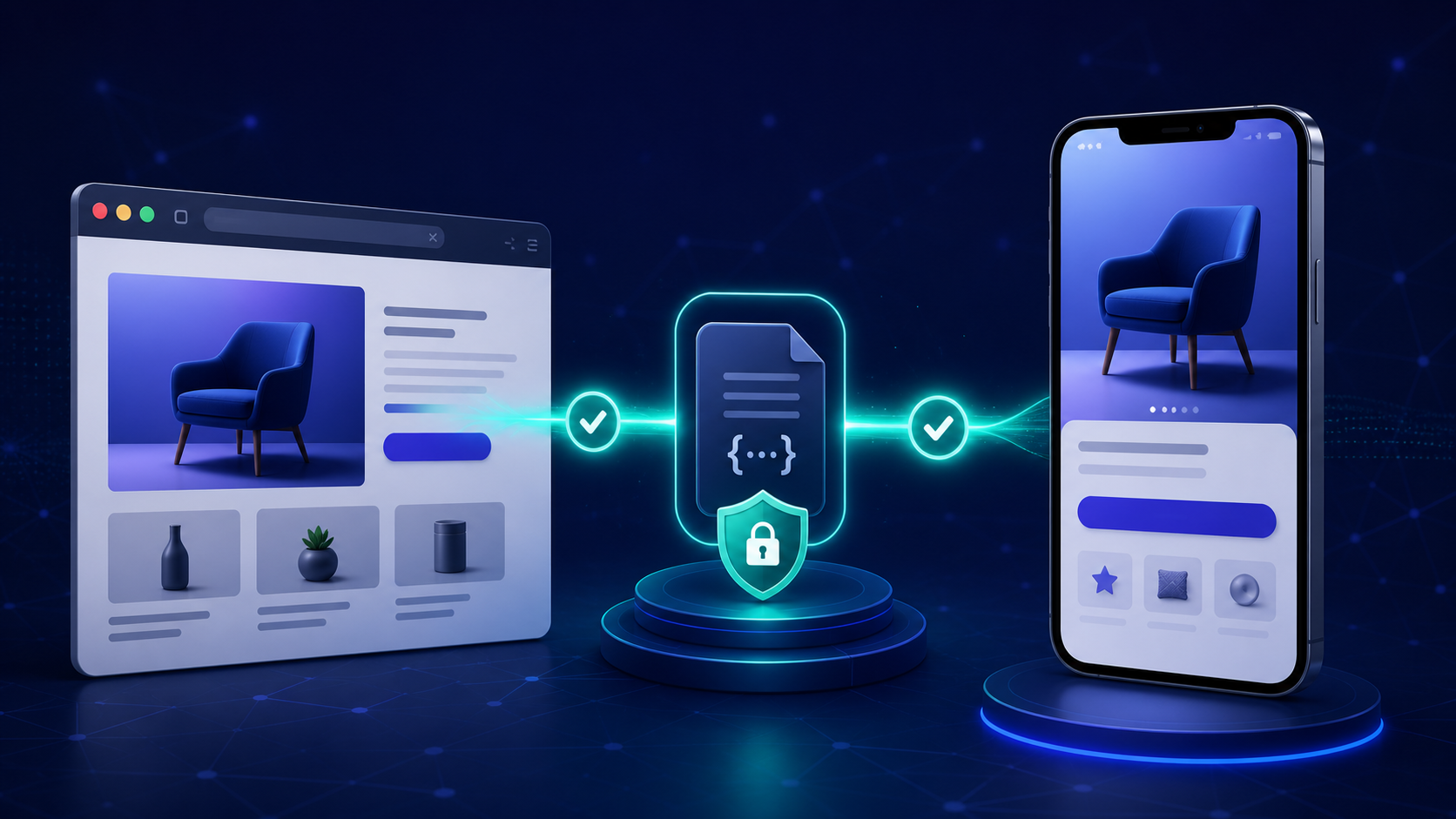
A product link opens the right screen on one iPhone but drops another user into Safari. The difference is rarely the URL alone: it is the verified relationship among the domain, the app, and the path. Understanding that relationship turns a fragile universallink setup into a routing system you can test.
A Universal Link is a standard HTTP or HTTPS URL that iOS can open in an installed app after verifying that the app and website trust each other. If the app is not installed, the same URL opens on the web; a native Universal Link does not, by itself, preserve the destination through an App Store installation.
Apple writes the term as “Universal Link,” two words. Developers and searchers also use “universallink,” “universal link,” and “iOS deep link” for the same Apple mechanism, so this guide uses the official name after this definition.
What is a Universallink?
A Universal Link connects a normal web address, such as https://links.example.com/products/42, to corresponding content in an iOS app. The URL remains useful outside the app: desktop users and people without the app can still reach a web page instead of hitting the dead end created by a custom scheme such as exampleapp://products/42.
The important word is *verified*. Apple requires a two-way association:
- The app declares the web domains it is allowed to handle in its Associated Domains entitlement.
- Each domain publishes an
apple-app-site-association(AASA) file naming the authorized app and matching URL paths.
That handshake means another app cannot simply claim your HTTPS domain. Apple describes Universal Links as a secure way to connect web and app content with one URL, while Google’s deep-link guidance identifies Universal Links and Android App Links as the platform standards.
Universal Links are a subset of deep links, not a synonym for every deep-linking technique. “Deep link” describes the outcome—opening a specific piece of app content—while “Universal Link” names Apple’s verified HTTPS mechanism for producing that outcome on its platforms.
How does a Universallink work on iOS?
The setup has three moving parts: a public URL, the website-to-app association, and an in-app router.
- The app is installed. iOS reads the app’s Associated Domains entitlement. On current systems, Apple’s content delivery network retrieves and caches the AASA file for each declared domain.
- A user taps an eligible HTTPS link. iOS checks whether an installed app is approved for that domain and whether the URL matches a rule in the cached AASA file.
- The app receives the URL. If the association and path match, iOS launches or resumes the app with an
NSUserActivitywhose type isNSUserActivityTypeBrowsingWeb. Your router then maps the host, path, and allowed parameters to a screen. - The web handles the fallback. If no approved app is installed—or the context intentionally remains in the browser—the HTTPS page opens normally.
Apple’s Universal Link overview emphasizes that the system can hand the URL directly to the app without first routing through the website. The website is still essential because it proves domain control and provides the no-app destination.
This behavior has two practical consequences.
First, a Universal Link is not an install detector implemented with browser JavaScript. The operating system makes the app-or-web decision from its association data and the user’s context.
Second, the fallback is the URL’s web page—not automatically the App Store. You can design that page to offer an install path, but continuing to the originally requested screen after installation is deferred deep linking, a separate capability.
Universallink vs deep link, URL scheme, and deferred deep link
Teams often use these terms interchangeably and then test the wrong behavior. Use this distinction when writing requirements:
| Mechanism | URL example | App installed | App not installed | Main role |
|---|---|---|---|---|
| Universal Link (iOS) | https://links.example.com/p/42 | Opens approved app route | Opens web URL | Secure web-to-app routing |
| Android App Link | https://links.example.com/p/42 | Opens verified Android app route | Opens web URL | Android equivalent |
| Custom URL scheme | exampleapp://p/42 | May open a registered app | Usually fails | Controlled app-to-app or legacy flows |
| Deferred deep link | Provider-specific HTTPS link | Opens app route | Sends user through install, then restores context | Acquisition and referral journeys |
The clearest deeplink vs Universal Link distinction is scope: deep linking is the broad category, while Universal Links are one secure iOS implementation. A custom scheme can also deep-link, but it lacks domain verification and a natural web fallback. Apple recommends migrating user-facing custom schemes to Universal Links because schemes can conflict and do not provide the same verified ownership model.
Universal Links and deferred deep links also solve different points in the journey. Universal Links route users who already have the app and give everyone else a usable web destination. Deferred deep linking adds the state and attribution needed to recover the intended route after a new install; see the deferred deep link implementation guide for that longer lifecycle.
How to implement a Universallink on iOS
Treat implementation as a contract across product, web, and app teams. Start with the route model rather than an AASA wildcard that grants the app every path.
1. Define the URL contract
List the web paths that have a safe, stable equivalent in the app:
https://links.example.com/products/{productID}
https://links.example.com/invites/{inviteCode}
https://links.example.com/account/verify?token={token}
For each route, define the installed-app destination, web fallback, invalid-state behavior, required authentication, and allowed query parameters. A route should work when the app is cold, backgrounded, or already open; it must not depend on screens that the user skipped.
2. Publish a narrow AASA file
Host an extensionless file at:
https://links.example.com/.well-known/apple-app-site-associationA simplified modern configuration looks like this:
{
  "applinks": {
    "details": [
      {
        "appIDs": ["TEAMID.com.example.app"],
        "components": [
          { "/": "/products/*" },
          { "/": "/invites/*" },
          { "/": "/account/delete/*", "exclude": true }
        ]
      }
    ]
  }
}
Replace the team and bundle identifiers with values from the signed app. Keep sensitive or destructive routes excluded, and serve valid JSON over HTTPS without a redirect. If you use links.example.com and www.example.com, each specific subdomain needs its own entitlement entry and matching AASA location, as Apple’s Associated Domains documentation explains.
For a production-ready file, path rules, and server checks, use the apple-app-site-association setup guide.
3. Add the Associated Domains entitlement
In Xcode, add the Associated Domains capability to the correct app target and include every intended host:
applinks:links.example.com
applinks:www.example.com
Do not add https://, a path, or a port. Confirm the entitlement exists in the signed build you actually install; a correct Xcode project setting does not help if a different target or provisioning profile ships without it.
4. Route the incoming URL defensively
A SwiftUI app can receive the browsing activity and pass its webpage URL into one central router:
.onContinueUserActivity(NSUserActivityTypeBrowsingWeb) { activity in
    guard let url = activity.webpageURL else { return }
    universalLinkRouter.open(url)
}
The router should allow only https, an expected host, known paths, and valid parameter shapes. Unknown, expired, or unauthorized routes should land on a safe screen with an explanation—not crash, expose data, or perform an irreversible action. Apple explicitly warns developers to validate Universal Link parameters because externally supplied URLs are input to the app.
Test the whole Universal Link decision tree
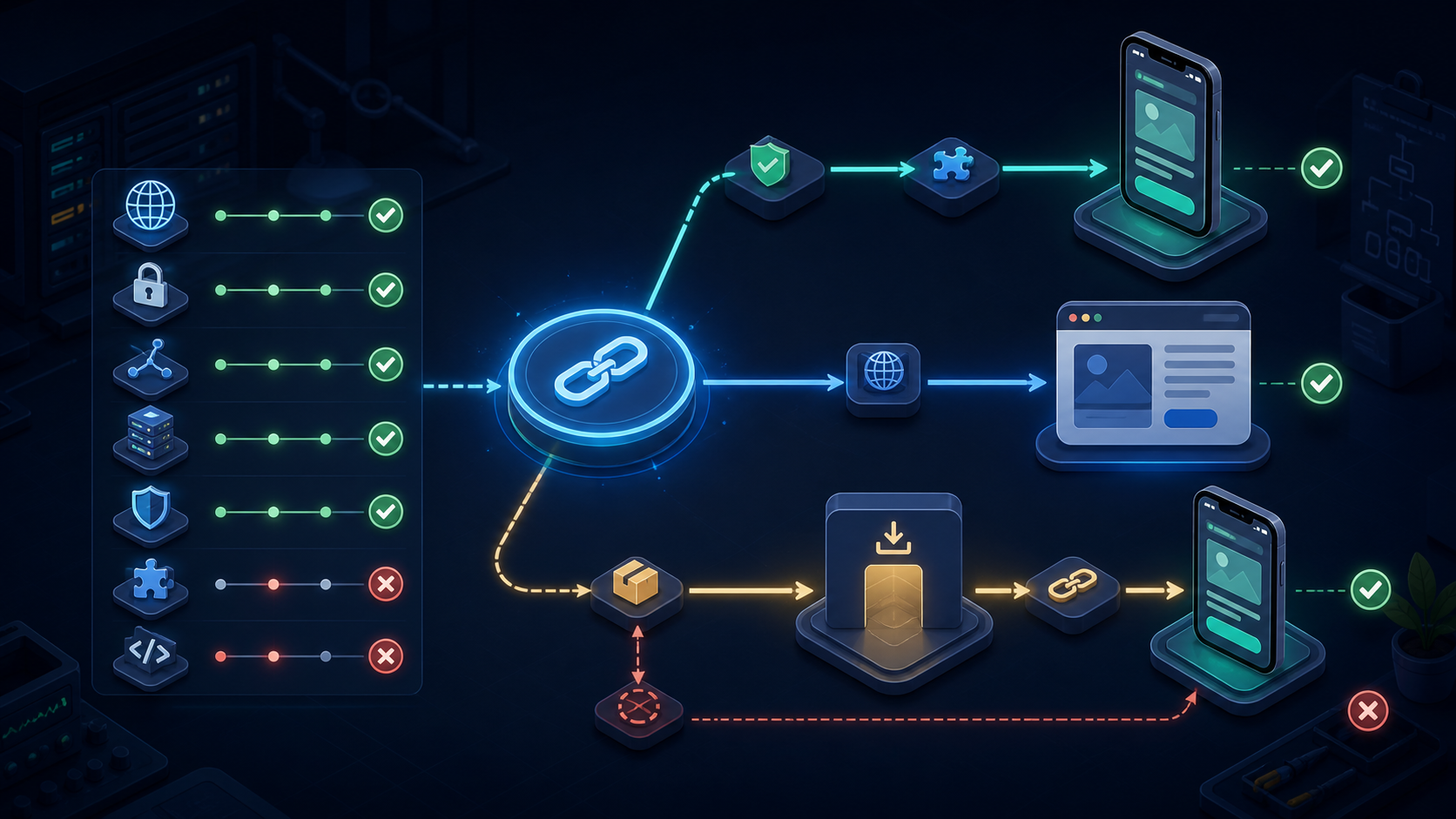
Testing one link from one app state proves very little. Build a matrix that covers the source, install state, lifecycle state, URL pattern, and authentication state.
At minimum, verify:
- App installed and not installed.
- App terminated, backgrounded, and foregrounded.
- Valid path, excluded path, unknown ID, expired token, and malformed parameter.
- Signed-in and signed-out users.
- Taps from Messages, Mail, Notes, Safari, your campaign channel, and any in-app browser you rely on.
- Direct domain, branded short link, email-wrapped link, and ad-tracking path.
- Web fallback on iOS, Android, and desktop.
Use a physical device and install the same distribution class you plan to release. In Notes, paste the link and long-press it; a valid association should offer both the app and browser. Apple’s current Universal Link debugging technote also documents the Associated Domains diagnostics available under Developer settings.
Instrument outcomes, not just taps. Log a stable route name, success or fallback, app lifecycle state, and a privacy-safe campaign identifier. If you use GA4 with an app stream and a web stream, its deep-link recommendations can surface missing or misconfigured destinations based on observed mobile-web traffic.
Why Universal Links open Safari instead of the app
Safari is not always evidence of a broken configuration. Diagnose the context before changing the AASA file.
The URL was typed or pasted into the address bar
Direct navigation stays in the browser. Test a tap from Notes, Messages, Mail, or another web origin instead.
The user tapped a same-domain link in Safari
When someone is already browsing example.com and taps another example.com URL, Safari generally respects the apparent intent to keep browsing. Apple recommends using a different associated subdomain when a web page must offer an explicit open-in-app journey.
The association is stale or unreachable
On iOS 14 and later, Apple’s CDN caches AASA data. Apple says devices check for updates periodically, and reinstalling the app can fetch a newer version; development mode can bypass the CDN for eligible development builds. Make sure the public file is not behind authentication, bot protection, geo restrictions, or redirects.
The path, app ID, or entitlement does not match
A syntactically valid AASA file can still authorize the wrong signed app or omit the tested path. Compare the installed build’s application identifier with the AASA entry, then confirm the URL path matches an included component and no earlier exclusion applies.
The user chose the browser previously
Long-pressing a valid link lets the user choose the app or browser and can change the preferred behavior for that domain. Repeat the long-press test and select the app before treating the result as a server failure. Apple’s archived Universal Link troubleshooting procedure remains useful for separating server, entitlement, path, and app-routing faults.
For a compact diagnostic sequence, follow the Universal Links not working checklist.
When native Universal Links are not enough
Native Universal Links are the right foundation for secure iOS routing, but they do not create short links, cross-platform rules, campaign attribution, QR destinations, or post-install context recovery on their own.
Deeplinkly layers those operational capabilities over the platform primitives: app teams can manage branded links, installed-app routing, web and store fallbacks, deferred deep linking, and measurement without replacing Universal Links themselves. That is useful when the requirement is “one campaign link across every state,” not merely “open this HTTPS path in an installed iOS app.”
This distinction matters more now that Firebase Dynamic Links is no longer a migration target. Google’s Dynamic Links deprecation FAQ states that the service shut down on August 25, 2025 and its hosted links stopped working, so teams should evaluate native Universal Links plus a maintained deferred-link and attribution layer where their journeys require it.
Frequently asked questions
Do Universal Links work if the app is not installed?
Yes, the HTTPS URL still works, but it opens in the user’s web browser. Opening the App Store and restoring the same destination after installation requires a designed web flow and deferred deep linking; that is not automatic Universal Link behavior.
Are Universal Links the same as deep links?
No. Deep link is the broad term for a link that opens specific app content. A Universal Link is Apple’s verified HTTPS form of deep linking, while custom URL schemes and deferred deep links are other mechanisms with different behavior.
What is the difference between iOS Universal Links and Android App Links?
They serve similar purposes on different platforms. iOS verifies an AASA file and Associated Domains entitlement; Android verifies a Digital Asset Links file and intent filters. A shared HTTPS URL can support both when each platform’s association is configured.
Why does my Universal Link open Safari?
Common reasons include direct address-bar navigation, a same-domain Safari tap, a missing or stale AASA association, a mismatched signed app ID, an excluded path, or the user’s saved preference to open that domain in the browser.
Can a Universal Link use redirects for click tracking?
Treat redirects and link wrapping as separate test cases. iOS evaluates the tapped domain and context, so a tracking host that is not associated with the app may open the browser before the final Universal Link is reached. Use an associated branded link domain or a measurement integration designed for Universal Links.
Conclusion
Choose Universal Links when public iOS URLs must open verified app content and remain useful on the web. Build the solution as a three-part contract—AASA file, entitlement, and defensive router—then test the full app-or-web decision tree on real devices.
If your requirement ends at installed-app routing, native Universal Links may be sufficient. If it includes install recovery, cross-platform fallbacks, branded campaign links, or attribution, evaluate a deferred deep-link platform against those states before launch.