
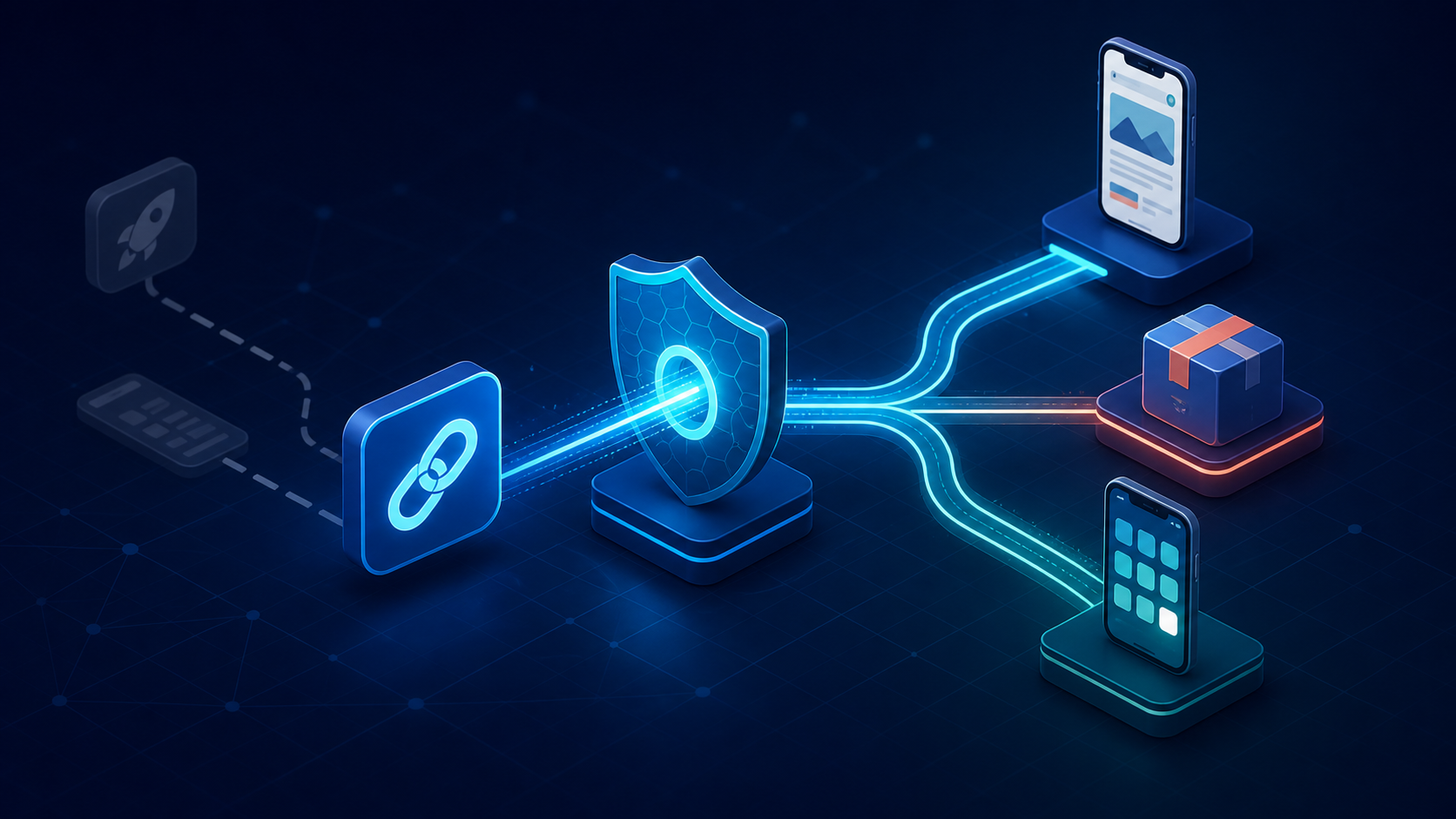
Your acquisition link still needs to deliver the right product, booking, video, or game level—even though the old instant experience no longer exists. If you are evaluating instant apps for Android today, the important question is no longer how to create one. It is how to preserve the low-friction journey without building on a discontinued distribution system.
This guide explains what changed, which parts of the old architecture remain useful, and how to replace it with verified Android App Links, a fast web fallback, deferred deep linking, and install attribution.
Do instant apps for Android still work in 2026?
No. Google says that, starting in December 2025, Instant Apps can no longer be published through Google Play, Google Play services Instant APIs no longer work, and Play no longer serves Instant Apps through any mechanism. Teams should not begin a new Google Play Instant implementation or keep an instant module as a production acquisition dependency.
That answer comes directly from the current Google Play Instant overview, not from an inference based on an abandoned SDK. Some older tutorials and help pages remain indexed, so it is easy to land on technically detailed instructions for a product that has already reached its end of service.
The change affects the entire delivery loop:
- The Play Store's Try now experience is no longer an acquisition surface.
- A URL cannot cause Play to download and run an instant module for a user without the full app.
- Code that depends on Google Play services Instant APIs should be treated as legacy.
- Instant-enabled bundles and feature modules can remain in source history, but they are no longer a route to users through Google Play.
Google's own migration direction is concise: send people to the regular app or game and use deep links to route them to a relevant journey or feature. That does not recreate execution without installation. It does preserve the outcome most growth and product teams actually wanted: a link that maintains intent across web, app, and install states.
How Android Instant Apps worked
Android Instant Apps were small native experiences delivered on demand. A person could tap a supported link or Try now, Google Play would send the required app files to the device, and Android would run that experience without a conventional installation. Google's legacy overview described support on Android 5.0 and later and required instant experiences to stay under 15 MB.
The architecture combined four ideas:
- A native app was divided into a base and one or more feature modules.
- Each instant entry point represented a narrow, self-contained user task.
- An Android App Link mapped an HTTPS URL to that entry point.
- The instant experience offered a path to install the full app.
That model suited tasks with immediate value: previewing a game, paying for parking, opening a shared product, or viewing a booking. It reduced the commitment before the first useful interaction.
It also created ongoing costs. Teams had to fit useful native behavior into a small payload, keep instant and installed paths consistent, work within a restricted API and permission surface, and test more app states. A product that depended heavily on authentication, large media libraries, native dependencies, background work, or sensitive permissions could quickly outgrow the format.
The useful lesson is not “make a smaller APK.” It is “design the link destination around the smallest valuable task.” That principle carries cleanly into a web fallback and post-install route.
What replaced instant apps for Android?
There is no one-for-one Google product replacement. The practical replacement is a routing stack in which each layer owns a different state of the journey.
| User state | Recommended destination | What it solves |
|---|---|---|
| App already installed | Verified Android App Link | Opens the exact in-app content securely |
| App not installed | Useful mobile web landing page | Provides immediate value without requiring an install |
| User chooses to install | Play Store listing with campaign context | Preserves the acquisition path |
| First open after install | Deferred deep link | Restores the intended in-app destination |
| All states | Attribution and product events | Measures routing, install, and downstream outcomes |
Android App Links are verified HTTPS links associated with an app and a website. If the app is installed and the association verifies, Android can open the matching content directly without a chooser dialog. If the app is absent, the same web URL can open in the browser, which gives you a stable fallback instead of a dead app-only scheme.
Android 15 and later also support Dynamic App Links on devices with Google services. They let teams refine allowed paths, exclusions, query parameters, and fragments in the server-hosted Digital Asset Links file without shipping a new app version. They improve routing control, but they do not install or stream app code.
Deferred deep linking handles a separate problem. It retains the intended destination while the user visits the store and installs the app, then routes the first open to that content. Android App Links alone do not preserve an arbitrary click through a new installation; you need a supported campaign mechanism, your own carefully designed referral flow, or a deep-linking and attribution provider.

How to replace instant apps for Android step by step
Treat this as a journey migration, not a Gradle-plugin swap. Start with the URLs and outcomes users rely on, then remove the legacy delivery code after the replacement paths are observable and tested.
1. Inventory instant entry points and their outcomes
List every domain, path, feature module, campaign, QR code, and Try now reference associated with the old experience. For each entry point, record:
- the content or action the user expected;
- whether that content can work on mobile web;
- authentication, region, age, or entitlement requirements;
- the installed-app route and required parameters;
- the fallback when content is missing or unavailable;
- the events that define a successful visit.
Do not map every old URL to the app home screen. That discards the intent instant delivery was built to protect. A shared URL for /product/8472 should still represent product 8472 in every supported state.
2. Define canonical HTTPS links
Use URLs on a domain you control. Keep public identifiers stable, avoid placing secrets or raw personal data in query parameters, and decide which parameters affect routing versus measurement.
A simple contract might look like this:
https://app.example.com/product/8472?campaign=summerThe path identifies the destination. The campaign parameter informs measurement but should not change authorization. Resolve the identifier on the destination side, validate it against an allowlist of route types, and show a safe fallback for unknown or expired content.
If you need the full implementation details, use this step-by-step Android App Links guide alongside the migration plan below.
3. Configure and verify Android App Links
Declare the host in an exported activity with android:autoVerify="true":
<activity
    android:name=".MainActivity"
    android:exported="true">
    <intent-filter android:autoVerify="true">
        <action android:name="android.intent.action.VIEW" />
        <category android:name="android.intent.category.DEFAULT" />
        <category android:name="android.intent.category.BROWSABLE" />
        <data
            android:scheme="https"
            android:host="app.example.com"
            android:pathPrefix="/product" />
    </intent-filter>
</activity>
Then host assetlinks.json at:
https://app.example.com/.well-known/assetlinks.jsonThe statement must identify your real application ID and signing certificate fingerprint:
[
  {
    "relation": ["delegate_permission/common.handle_all_urls"],
    "target": {
      "namespace": "android_app",
      "package_name": "com.example.app",
      "sha256_cert_fingerprints": ["YOUR_RELEASE_CERTIFICATE_SHA256"]
    }
  }
]
Serve that file over HTTPS without redirects, make it publicly reachable, and include every production signing identity you actually use. A debug certificate that verifies locally says nothing about the release build installed from Play.
In the app, parse the incoming URI as untrusted input. Match a known route, validate the content identifier, enforce authentication and entitlement in the destination, and make repeat opens idempotent. Link ownership verification prevents another app from claiming the domain; it does not make every parameter trustworthy.
4. Build the no-install experience on the web
When the app is absent, give the same HTTPS URL a useful mobile page. It should complete the narrow task where possible or show enough context for the install decision: the product, venue, invitation, episode, offer, or game challenge the person expected.
Keep the primary action obvious, preserve the canonical content ID when the user chooses to install, and provide a real web fallback when installation is declined. Avoid an interstitial whose only content is “download our app.” That merely moves the old install wall one tap later.
5. Restore context after installation
For paid and owned campaigns that cross the store, add deferred deep linking and attribution. Google's Play Install Referrer API can return the referrer URL, click and install timestamps, and the initially installed app version. It is a measurement input, not a complete cross-platform router: your implementation still needs expiry rules, deduplication, destination validation, analytics, and behavior for non-Play installs.
Google Ads also supports ad-group deferred deep links for specific Android AdMob and YouTube campaign flows. Its documentation requires deep links plus an enabled measurement SDK and notes a 24-hour install-and-open window, so confirm that its channel limits match your acquisition mix.
If your links span ads, social posts, referrals, email, QR codes, and multiple mobile platforms, Deeplinkly can provide the branded link, deferred route, and attribution layer while your app keeps Android App Links as the verified installed-user destination. That gives the team one place to measure clicks, installs, and re-engagement instead of rebuilding campaign-context recovery for each channel.
6. Remove legacy dependencies carefully
Once replacement traffic is stable:
- remove calls to Google Play services Instant APIs;
- retire instant-only modules, manifests, build variants, and release automation;
- remove Try now language from landing pages, support content, ads, and screenshots;
- redirect legacy campaign URLs to their canonical web or app destinations;
- update dashboards so historic instant events are not mixed with new web and deferred-link events;
- retain a dated migration note for analysts comparing pre- and post-shutdown performance.
Do not delete modular app architecture merely because instant delivery ended. Feature modules may still have value for maintainability or on-demand delivery inside the installed app. Remove the distribution-specific complexity, not every boundary the project gained.
Test the replacement journey in production-like states
Link routing often passes a developer's happy-path test and fails in the combinations that matter to campaigns. Test the link contract, domain verification, store handoff, and first-open route as one system.
Use this minimum matrix:
| Scenario | Expected result |
|---|---|
| Release app installed, domain verified | Exact in-app destination opens |
| App not installed | Matching mobile web content opens |
| Web visitor chooses install | Correct store listing opens with recoverable context |
| First open after install | Intended content opens once |
| User must sign in | Destination resumes after authentication |
| Content is invalid, expired, or restricted | Safe, explainable fallback appears |
| Link opened twice | No duplicate purchase, redemption, or event |
| Staging and production builds coexist | Each domain resolves to the intended app variant |
Google documents adb shell pm get-app-links PACKAGE_NAME as a way to inspect verification state. A successful host reports verified; other states need investigation. The official App Links verification guide also covers resetting and re-running domain verification before checking results.
Your QA should go beyond ADB:
- Install the release-signed build through a Play test track.
- Open links from Chrome, messaging, email, a QR scanner, and each paid channel you use.
- Repeat with the app removed, then complete a fresh install and first open.
- Test logged-out, logged-in, slow-network, and interrupted-install states.
- Confirm that click, web view, store visit, install, first open, route success, and conversion events do not double-count.
Use the deep link debugger for quick URL checks, but keep real-device end-to-end cases in your release gate. Verification success alone cannot prove that a router chose the right screen or that attribution survived installation.
Measure the outcome, not just the open
The replacement succeeds when more people complete the intended task, not when the app merely opens. Define a small event sequence across every state:
link_clicked → destination_resolved → web_or_app_opened
→ install_started → first_open → deep_link_routed → target_action_completed
Attach a privacy-safe campaign identifier and destination type consistently. Record the reason for a fallback—app absent, verification failed, content unavailable, sign-in required, or attribution expired—so the team can separate routing defects from normal user choice.
Compare conversion by route:
- installed app direct;
- mobile web completion;
- web-to-install-to-content;
- store visit with no first open;
- first open with route failure.
This reveals whether a fast web task outperforms an install prompt, whether campaign context survives the store, and where users actually drop. It also prevents a misleading migration report in which the loss of instant opens looks like a traffic decline even though web and installed-app completions increased.
Frequently asked questions
Are Android Instant Apps discontinued?
Yes. Google states that Instant Apps stopped being publishable through Google Play in December 2025, Instant APIs stopped working, and Play no longer serves instant experiences. Existing teams should migrate acquisition URLs rather than maintain the instant distribution path.
Can users still open an old instant app from a link?
Not through Google Play Instant. A legacy link can still be redirected to a mobile web page, a regular Play Store listing, or an installed-app destination, but Play will not fetch and run the old instant experience.
What is the difference between an Android App Link and an Instant App?
An Android App Link is a verified HTTPS link that opens matching content when the regular app is installed and falls back to the website when it is not. An Instant App was native app code delivered and executed without a full installation; that Google Play delivery mechanism has been discontinued.
What should replace Instant Apps on Android?
Use a combination of verified Android App Links for installed users, useful mobile web pages for users without the app, deferred deep links for post-install routing, and attribution events across the journey. No single component recreates every Instant App behavior.
Can a progressive web app replace an Android Instant App?
A progressive web app can replace many no-install tasks when the experience works well with web capabilities. It is less suitable when the task depends on native APIs, strong offline behavior, or an installed-app feature, so evaluate the smallest useful journey rather than migrating the entire app to the web.
Do Android App Links preserve the destination after a new install?
Not by themselves. App Links route users who already have the app and provide a web fallback for those who do not. Preserving a destination through the store requires a deferred deep-link or referral mechanism plus first-open routing in the app.
Conclusion: migrate the journey, not the instant module
Do not start a new Instant Apps implementation in 2026. If you still have one, preserve its URLs and user intent, replace installed routing with verified Android App Links, make the no-install web path useful, and add deferred routing only where an install is genuinely required.
Choose the simplest stack that covers your channels. A team with a strong web experience and a few owned links may need App Links plus a lightweight referral flow; a team running campaigns across platforms needs a managed deferred deep-link and attribution layer. Map one high-value journey first, test every install state, and expand only after you can measure destination-level conversion end to end.