
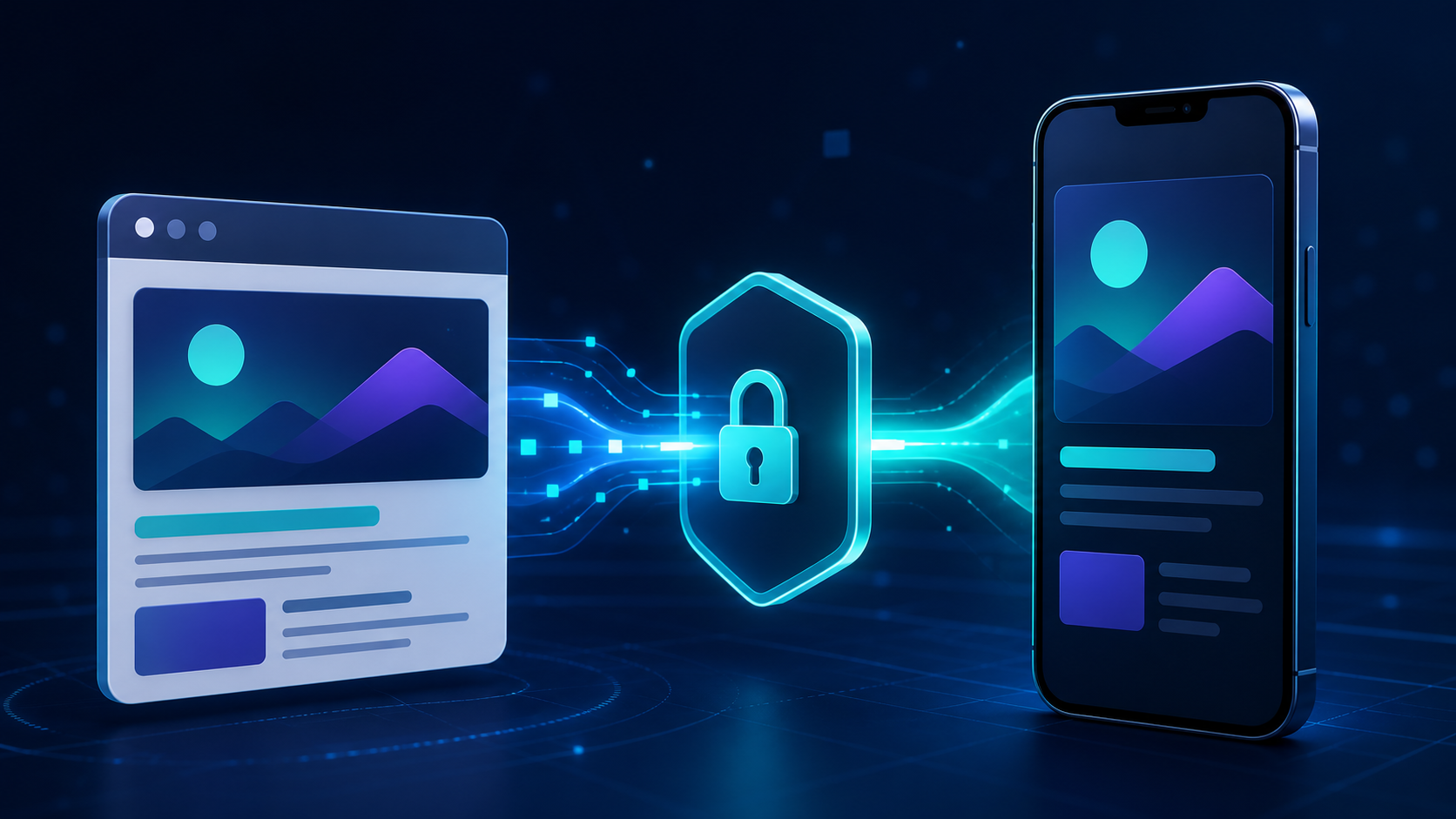
A mobile visitor finds the exact product, article, or offer they want on your website. Then your “Open in app” button sends them to a store page or an app home screen, erasing the context that created their intent. Web to app deep linking prevents that reset by carrying the visitor from a web URL to the matching in-app destination—and, when needed, preserving the destination through installation.
What is web to app deep linking? Web to app deep linking is a routing flow that opens a specific app screen from a mobile website when the app is installed. For a new user, a deferred deep link can route through the app store and restore the intended destination on first open.
The implementation is not one redirect. It is a contract among your website, iOS app, Android app, store fallback, attribution layer, and app router. This guide shows how to design that contract, implement it with verified HTTPS links, test both user states, and measure the outcome that matters.
How web to app deep linking works
A reliable web-to-app journey begins with one canonical HTTPS URL, such as:
https://go.example.com/products/sku-482?campaign=summerThat URL represents content, not a device-specific command. The operating system and your routing layer decide what happens next.
| User state | Expected path | Successful outcome |
|---|---|---|
| App installed | HTTPS link → verified app association → app router | The matching product or content screen opens |
| App not installed, web content available | HTTPS link → mobile web page | The visitor can continue on the web and choose whether to install |
| App not installed, app experience preferred | Web CTA → store → install → first open | A deferred deep link restores the intended screen and approved context |
| Unsupported device or desktop | HTTPS link → useful web fallback | The link still works without an app |
On iOS, Universal Links associate your HTTPS domain with the app. Apple explains that one Universal Link can open the app when installed and the website when it is absent. On Android, verified App Links use a Digital Asset Links association so matching website URLs can open directly in the app without a chooser; users without the app stay on the website. Android recommends App Links for URLs on domains you control.
These verified links solve the installed-app path. They do not, by themselves, preserve a destination through a new installation. That is the job of deferred deep linking.
Treat the destination as a shared content identity
Define a stable mapping between a web URL and an internal app route:
/products/sku-482  →  ProductDetail(productId: "sku-482")
/articles/retention  →  Article(slug: "retention")
/offers/welcome  →  Offer(code: "welcome")
The web, iOS, and Android implementations should all use the same path semantics. Do not let a campaign tool invent a second route vocabulary such as screen=7 while the app uses product_detail. A shared route contract makes links easier to test, migrate, and observe.
Google’s Search team also recommends matching the app destination to the content represented by the web page. Deep links do not replace the web page for indexing, and sending a search visitor to materially different app content can create a misleading experience.
Choose the right web-to-app entry point
Universal Links and App Links provide routing. Your website still needs an appropriate invitation to switch experiences. The right surface depends on user intent and whether the action is easier in the app.
| Entry point | Best use | Main limitation |
|---|---|---|
| Contextual inline CTA | A product, saved search, checkout, or feature with clear app value | Requires a deliberate placement and message per page type |
| Sticky app banner | Broad app discovery across mobile pages | Can become background noise if shown too often |
| Apple Smart App Banner | Native iOS app promotion with minimal implementation | iOS Safari only; limited design control |
| Interstitial | A high-value transition after demonstrated intent | Intrusive when shown immediately or without frequency limits |
| QR code | Desktop-to-app or offline-to-app transfer | Requires a second device or camera interaction |
Prefer a contextual promise over “Download our app.” “Continue checkout in the app,” “Save this route,” or “Open this episode” tells the visitor what will survive the handoff. Show the prompt after the visitor demonstrates intent, and let dismissal persist long enough to avoid nagging them on every page.
Use a Smart App Banner when native iOS behavior is enough
Apple’s Smart App Banner is a browser-rendered banner configured with a meta tag:
<meta
  name="apple-itunes-app"
  content="app-id=123456789, app-argument=https://go.example.com/products/sku-482"
>
Apple documents that the banner can open the installed app or send a new user to its App Store listing. The app-argument carries the current content URL so the installed app can route to the equivalent destination.
Use it when consistency and low implementation effort matter more than custom design. Use your own inline CTA or banner when you need Android coverage, page-specific messaging, experiments, or a deferred flow managed consistently across platforms.
Avoid custom URI schemes as the public web destination
A custom URL scheme such as myapp://product/sku-482 can open an installed app, but it has no verified domain ownership and no automatic web fallback. Multiple apps can attempt to claim the same scheme, and a visitor without the app may encounter a dead end.
Keep custom URI schemes for constrained compatibility cases. For links exposed on websites, ads, search, email, or social, use Universal Links and App Links backed by a domain you control. Google Ads’ current App Connect guidance requires those industry-standard link types and does not support custom schemes or third-party redirect links as deep-link destinations.
If you are replacing an older scheme-based setup, use our URL scheme vs Universal Links guide to plan the migration without breaking existing campaigns.
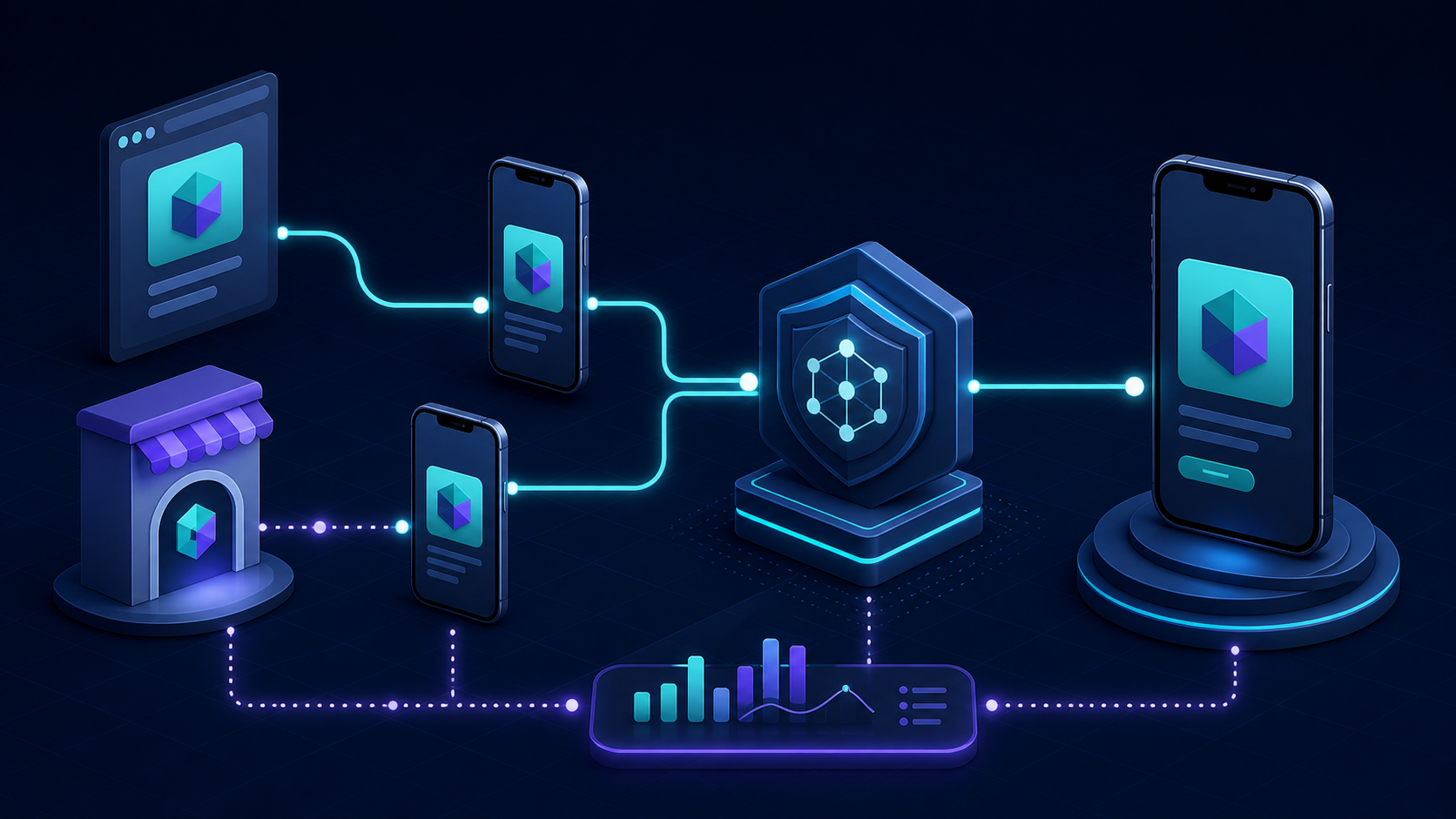
Build a web to app deep linking flow that preserves context
Start with a destination map, then implement the installed and deferred branches around it.
- Normalize the current web destination. Convert the page into a canonical path and a small set of allowed parameters.
- Record the web-to-app intent. Create a click ID and store source, campaign, placement, destination, and timestamp server-side.
- Open the canonical HTTPS link. Let Universal Links or App Links handle users who already have the app.
- Route new users to the correct store. If your CTA is explicitly an install path, associate its click ID with a deferred destination before the store handoff.
- Resolve the first open. The app asks the deep-link or attribution service for pending context, validates it, and maps it to an internal route.
- Confirm the destination rendered. Record the resolved screen and downstream business event, not only the CTA tap or install.
Keep the payload small. Pass opaque IDs such as a product ID, article slug, referral code, or server-side state token. Do not put passwords, raw session cookies, authorization decisions, personal data, or an entire cart in a query string. The app should retrieve current data with the signed-in user’s credentials and enforce its normal access controls.
For complex state, store the payload on your server and pass a short-lived token:
{
  "click_id": "w2a_01J...",
  "destination": "/products/sku-482",
  "state_token": "st_01J...",
  "campaign": "summer-search",
  "expires_at": "2026-08-16T12:00:00Z"
}
Deeplinkly gives app teams one branded link and measurement layer for iOS, Android, web fallbacks, and deferred destinations, so the click-to-first-open path does not have to be assembled from disconnected tools. Its resolved payload should still enter your app’s allowlisted route mapper; delivery infrastructure does not replace in-app validation or authorization.
For the store-to-first-open mechanics in isolation, see the deferred deep-link implementation guide.
Make first-open routing idempotent
A new app can receive deferred context while onboarding, authentication, remote configuration, and navigation are still initializing. Store one pending route until the app is ready, consume it once, and mark the click ID handled. If the user must sign in, resume the validated destination after successful authentication instead of discarding it or navigating twice.
Define safe fallbacks before launch:
- An expired product opens the category with a useful message.
- An offer that ended opens the current offers screen.
- Content belonging to another account prompts an explicit account switch.
- A destination unsupported by an older app version opens a stable parent screen.
- An invalid or unauthorized destination opens home and records a coarse failure reason.
Implement iOS Universal Links and web prompts
iOS requires a two-way association between the app and every web host it handles.
- Add the Associated Domains capability to the app target and declare entries such as
applinks:go.example.com. - Serve an
apple-app-site-associationfile fromhttps://go.example.com/.well-known/apple-app-site-association. - List the app identifier and only the URL components the app can handle.
- Parse the incoming
NSUserActivityand send itswebpageURLthrough your route mapper.
Apple’s associated-domain documentation requires the file over HTTPS with a valid certificate and no redirects. It also notes that each subdomain needs its own entitlement entry and association file, so www.example.com and go.example.com are separate verification surfaces.
Validate every path and parameter before navigation. Apple explicitly warns that Universal Links are an input surface into the app; a link must not directly perform a destructive action or bypass an authorization check.
One iOS behavior surprises web teams: when a user is browsing a page in Safari and taps a Universal Link to the same domain, iOS may keep the user in Safari because that action signals an intent to continue browsing. Apple documents this same-domain behavior in its Universal Link overview. Test your real CTA host and consider a dedicated associated link domain or Smart App Banner when an explicit app handoff is required.
Implement Android App Links and verify every host
For Android, declare an HTTPS intent filter with android:autoVerify="true", the VIEW action, and the DEFAULT and BROWSABLE categories. Host assetlinks.json at:
https://go.example.com/.well-known/assetlinks.jsonThe statement must identify your Android package and the SHA-256 fingerprint of the certificate that signs the installed build. Debug and release builds often use different certificates, so a link that works locally may fail after Play distribution if the production fingerprint is absent.
Android explains that App Links verify the website-app relationship and then route matching HTTPS URLs directly to the installed app. On Android 15 and later, Dynamic App Links can refine allowed paths, query parameters, fragments, and exclusions from the server-side statement without an app release. Keep the manifest scope broad enough for the server rules you plan to add; dynamic rules cannot expand beyond it.
Verify the public file independently from app navigation. Android’s test guide recommends checking each host with the Digital Asset Links API and then inspecting device link-handling state; use the official App Links testing procedures before debugging your router.
Our Android App Links implementation guide covers the manifest, association file, and release-certificate setup in more detail.
Measure mobile web to app conversion end to end
An app-store click is not a converted app user. Instrument the journey as a sequence with one correlation ID:
web_app_prompt_viewedweb_app_prompt_tappedapp_store_openedwhen observableapp_first_openorapp_reopeneddeep_link_resolveddestination_viewed- the intended outcome, such as
signup_completed,trial_started, orpurchase_completed
Your primary rate should match the business question. For acquisition, use:
web-to-app activation rate = activated new app users / eligible mobile web visitorsFor experience quality, monitor destination delivery separately:
destination success rate = intended destination views / web-to-app tapsSegment both by page type, CTA placement, operating system, browser, campaign, installed versus new user, and app version. A healthy tap rate can hide a broken association file, store drop-off, failed deferred match, or a router that opens home.
Test against your mobile web baseline instead of assuming the app always wins. Google Ads reports that ad clicks landing in an app produce, on average, 2.8 times the conversion rate of clicks landing on mobile web, based on its global April 2025 data. That benchmark is a reason to run a controlled experiment, not a forecast for your product; Google now documents an App Connect deep-linking A/B test for eligible Search campaigns.
Test every installed, uninstalled, and browser state
Run the production URL on physical devices. Test release-signed builds, public association files, and the same links used by actual campaigns.
| Scenario | Expected result |
|---|---|
| iPhone, app installed, Safari | Correct screen opens or documented same-domain web behavior occurs |
| iPhone, app absent | Useful web page or intentional App Store path appears |
| Android, app installed, Chrome | Verified App Link opens the correct screen without a chooser |
| Android, app absent | Useful mobile page or intentional Play Store path appears |
| Fresh install from web CTA | First open restores the destination once |
| Signed-out user | Authentication completes, then the destination resumes once |
| Expired or unauthorized content | Safe fallback appears without exposing data |
| Instagram, Facebook, or another in-app browser | Documented fallback works; no blank page or redirect loop |
| Old supported app version | Unknown destinations degrade to a stable parent screen |
| Repeated tap or activity recreation | No duplicate screen, purchase, or analytics event |
Also test copied links, QR scans, links opened from email, and links shared back from the app. A deep link is infrastructure: every surface that distributes the URL can expose a different browser or app-state edge case.
Diagnose failures by layer
- Link stays on the web: verify the AASA or
assetlinks.jsonresponse, host, path rules, entitlement, package, and signing fingerprint. - App opens to home: log the raw URL, normalized route, router readiness, and fallback reason.
- New install loses context: confirm the web click was recorded before store handoff and that the app requested deferred context on first open.
- Campaign appears organic: confirm the same click ID reaches the install or first-open measurement layer.
- CTA loops between browser and app: remove competing redirects and make one component own the routing decision.
- Only in-app browsers fail: provide a usable web fallback and test an explicit “Open in browser” path where the host app limits verified-link behavior.
Use the deep-link debugger to check public association files before spending time inside native navigation logs.
Frequently asked questions
What is the difference between a deep link and a deferred deep link?
A standard deep link opens a specific screen when the app is already installed. A deferred deep link preserves that destination through the app-store installation flow and restores it when a new user opens the app for the first time.
What happens when the app is not installed?
A Universal Link or Android App Link normally opens the corresponding website when the app is absent. If you want an install journey, your web CTA can send the visitor to the appropriate store while a deferred-deep-link service stores the intended destination for first open.
Do Smart App Banners work on Android?
Apple Smart App Banners are an iOS Safari feature. For Android and cross-platform coverage, build a responsive web banner or contextual CTA whose destination uses a verified Android App Link and an intentional store or web fallback.
Can web to app deep linking preserve a cart or logged-in session?
It can preserve a reference to server-side state, but you should not put raw cart contents, session cookies, or credentials in the URL. Pass an opaque, expiring token, require normal authentication, and rebuild only the state that the current user is authorized to access.
Does web to app deep linking hurt SEO?
Verified app links do not replace the web page in Google Search. Keep the web URL crawlable and useful, ensure the app destination represents the same content, and avoid intrusive prompts that block visitors from the page they selected.
How do you measure a web-to-app campaign?
Connect prompt impressions and taps to app first open or reopen, destination rendering, and the downstream business event. Report activation and destination-success rates by source, page, platform, browser, app state, and experiment variant.
Make the handoff preserve the visitor’s intent
Use verified HTTPS links for the installed path, a deliberate deferred flow for new users, and one route contract across web, iOS, Android, and analytics. Start with a high-intent page where the app offers a clear advantage, then release only after both app states reach the promised screen on real devices.
If that first journey preserves context and produces a measurable destination view, expand the pattern page by page. If it cannot, fix the routing and attribution contract before adding more banners or buying more traffic.