
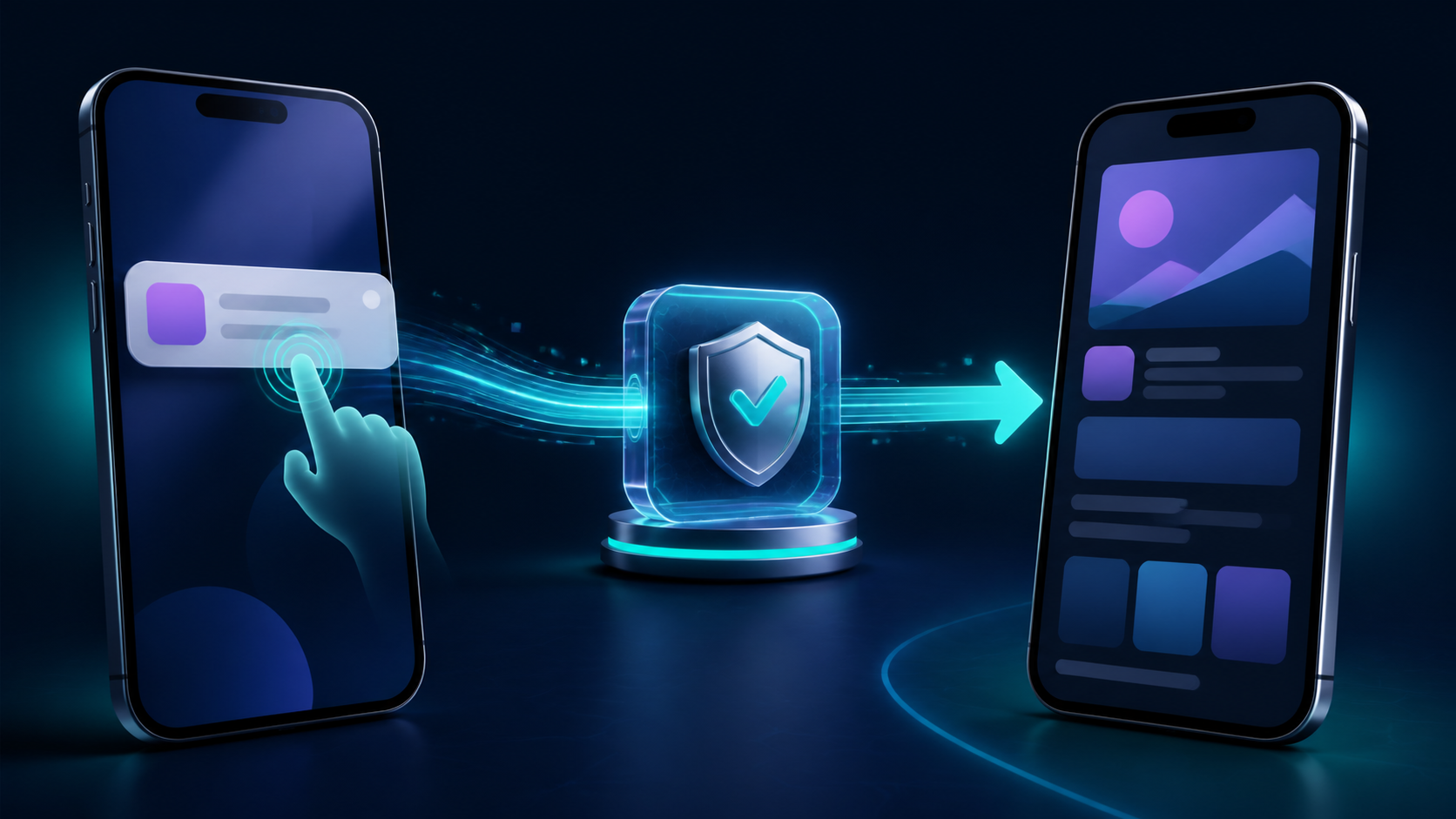
A user taps an order update, chat alert, or limited-time offer. Your app opens—and drops them on the home screen. A push notification deep link should preserve that moment of intent by routing the tap to the exact screen promised in the message, whether the app is already open, in the background, or starting from a terminated state.
The hard part is not putting a URL in a payload. It is making one routing contract survive two operating systems, multiple app lifecycles, authentication, stale content, and changing navigation state.
What is a push notification deep link? It is a URL or structured route included in a notification payload that the app reads after a user taps the notification. The app validates that destination, waits until navigation is ready, and opens the matching screen instead of its default home screen.
This guide gives mobile developers and lifecycle teams one implementation model, a platform-specific setup checklist, and a test matrix that catches the failures a dashboard preview cannot.
How a push notification deep link works
A reliable notification route has four parts:
- Destination contract: a stable path such as
https://go.example.com/orders/8342, or a typed payload such asroute=order_detailplusorder_id=8342. - Tap delivery: iOS or Android reports the user's interaction and makes the payload available to the app.
- Route resolution: app code parses the input, checks it against an allowlist, resolves authentication and content state, and converts it into an internal navigation action.
- Outcome measurement: analytics records that the notification was tapped, the intended destination was resolved, and the destination screen actually appeared.
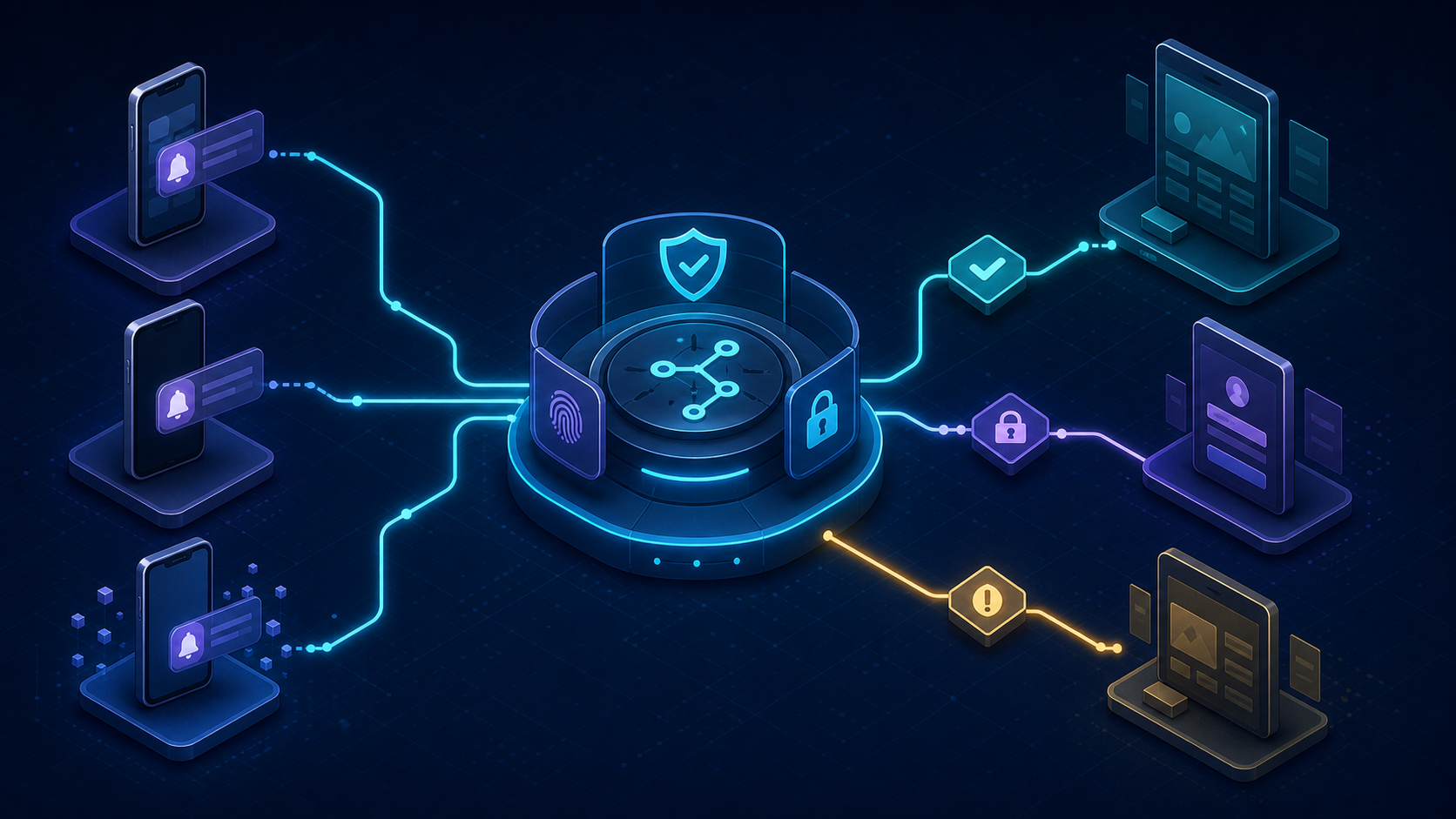
Do not let the push provider become a second navigation system. Notification data, a Universal Link, an Android App Link, an in-app banner, and a web link should all feed the same route resolver. That keeps /orders/:id consistent across channels and prevents platform handlers from drifting apart.
For production links, verified HTTPS destinations are usually safer and more portable than a custom URL scheme. Apple explains that Universal Links associate an HTTPS domain with an app and fall back to the website when the app is absent. Android App Links similarly verify the relationship between a website and an Android app, which helps prevent another app from intercepting the same web destination.
A custom URI scheme such as myapp://orders/8342 can still be useful for internal or provider-specific flows. It has no automatic web fallback, however, and the scheme is not proof that the sender owns a domain. If your team is still deciding, compare the failure modes in our URL scheme vs Universal Links guide.
Use a route contract, not an arbitrary URL
Treat every push payload as untrusted input—even if it came from your own campaign tool. Define the small set of routes a notification may request and the parameters each route accepts.
{
  "route": "order_detail",
  "route_version": 1,
  "order_id": "8342",
  "campaign_id": "shipping-update-2026-08",
  "notification_id": "n_01J..."
}
The app should translate order_detail into its own navigator call. It should not execute a raw action name, accept an arbitrary host, or trust a role, price, redirect URL, or authorization decision from the notification. Apple's Universal Link guidance specifically warns developers to validate URL parameters and avoid sensitive direct actions.
Version the contract before you need to change it. An older app may receive a notification produced by newer backend code; a route_version lets the app reject or safely downgrade an unsupported payload instead of crashing or opening the wrong screen.
Choose the right push notification deep link payload
There are two workable patterns. Pick one primary pattern and document who owns it.
| Pattern | Payload example | Best fit | Main risk |
|---|---|---|---|
| Canonical HTTPS link | url=https://go.example.com/orders/8342 | The destination also exists in email, web, QR, or ads | Association files and link verification must stay healthy |
| Typed route data | route=order_detail, order_id=8342 | Push-only actions or apps with a mature internal router | Provider and platform handlers can diverge without a shared schema |
An HTTPS link gives channels one canonical destination. A typed route gives the app tighter control and avoids an unnecessary browser handoff. Both should end at the same resolver, so the choice affects transport—not screen behavior.
Keep campaign fields separate from navigation fields. campaign_id may be useful for measurement, but it should not decide which account, order, or message the user may access. The app must fetch the target with the current user's authenticated session and enforce the same authorization checks used during ordinary in-app navigation.
Avoid embedding sensitive personal data in the payload. Notification contents can appear on a lock screen, reach provider infrastructure, and persist in logs. Prefer opaque identifiers, fetch current content after opening, and use short-lived signed tokens only when a server-side redemption flow genuinely requires them.
Understand FCM notification and data behavior
On Android, Firebase Cloud Messaging behavior changes with message type and app state. Google's current FCM Android receive-message guide says a background notification message goes to the system tray and a tap opens the launcher by default; when a message contains both notification and data fields, the data arrives in the launcher activity's intent extras. A data-only message is delivered to onMessageReceived, subject to platform execution rules.
That distinction explains a common bug: foreground tests pass because custom code receives the message, while a background or terminated app opens its launcher without processing the route. Decide whether the SDK will create the notification or your app will create it. Then test the exact production payload—not a simplified console message—in every app state.
Do not perform long network work inside the message callback. Firebase notes that onMessageReceived has a short execution window and recommends moving longer processing into an appropriate lifecycle such as WorkManager. A push tap should record intent quickly, initialize the app, and let the destination screen load data through normal repositories.
Implement push notification deep link routing once
Build one function that accepts a normalized route request and returns either a safe destination or a defined fallback. Platform code should only capture the tap and hand the request to this function.
onNotificationTap(payload):
  request = parseAndNormalize(payload)
  if request is invalid or unsupported:
    open(NotificationInbox, reason="invalid_route")
    return

  rememberPendingRequest(request)
  waitUntilAppAndNavigatorAreReady()

  if routeRequiresAuth(request) and userIsSignedOut():
    open(SignIn)
    resumePendingRequestAfterSuccessfulSignIn()
    return

  destination = authorizeAndResolve(request)
  open(destination or NotificationInbox)
  recordScreenReached(request.notificationId, destination)
The pending request matters. During a cold start, the notification callback can run before the root coordinator, React Navigation container, or Flutter navigator is ready. If the handler immediately calls navigate, nothing may happen. Store one idempotent request, consume it when navigation reports readiness, and mark it handled so activity recreation does not route twice.
iOS: capture the notification response
On iOS, assign a UNUserNotificationCenterDelegate early in application startup. When a user interacts with a delivered notification, Apple delivers a UNNotificationResponse; the delegate's userNotificationCenter(_:didReceive:withCompletionHandler:) method is the place to inspect the original userInfo, distinguish the default tap from a custom action, and enqueue the normalized route. Apple's notification response documentation and action-handling guide describe this flow.
Keep UI navigation out of the delegate itself. Save the route, call the completion handler, and let your app coordinator consume it when the scene and navigator are ready. Handle foreground presentation separately: receiving a notification while the app is active is not the same event as a user tapping it.
If you use Universal Links for other channels, normalize the incoming NSUserActivity.webpageURL through the same resolver. Your notification payload can carry the same HTTPS URL or the same route fields; either way, access control and fallback behavior stay identical.
Android: build the correct back stack
On Android, route data can arrive through the launcher activity's extras, an implicit App Link intent, or an explicit PendingIntent created for the notification. Read the initial intent in onCreate, read replacement intents in onNewIntent when your launch mode reuses an activity, and pass both through one normalization path.
If you use Jetpack Navigation, Android documents explicit deep links for notifications and explains how NavDeepLinkBuilder constructs the destination's parent stack. This matters for the Back button: after opening order 8342, Back should lead to the logical orders screen or app start destination, not exit unexpectedly or reveal a stale activity.
For HTTPS routes, enable android:autoVerify="true", publish the correct assetlinks.json, and test the release signing certificate. Use our Android App Links implementation guide for the full association setup. Verification proves ownership and URL matching; it does not prove that your router, authentication gate, or content fallback works.
React Native and cross-platform routers
Cross-platform apps need both an initial route and a live subscription. React Navigation's deep-linking integration guide shows the pattern: override getInitialURL to check the notification response during cold start, and use subscribe for new link and notification events while the app is alive.
Merge those inputs before navigation. If Linking.getInitialURL() and the notification SDK both report the same launch, deduplicate them with notification_id or a stable route event ID. Put the pending request above the screen tree so a sign-in or onboarding remount cannot erase it.
Handle auth, stale content, and missing app versions
Routing is successful only when the user reaches a useful, authorized screen. Define outcomes for the cases that happen after parsing:
- Signed out: store the intended route, show sign-in, then resume it once. If authentication fails or is cancelled, discard sensitive parameters.
- Wrong account: do not switch accounts silently. Explain that the content belongs to another account and offer an explicit account change.
- Deleted or expired content: open a nearby stable destination such as Orders or Notifications with a clear message. Do not loop back to the broken deep link.
- Feature unavailable in this app version: send the user to a safe screen and, when appropriate, offer an update. Keep the server's route contract backward-compatible during staged rollouts.
- Authorization denied: show the same not-found or access-denied behavior used inside the app. A notification is not permission.
- Duplicate tap or activity recreation: make navigation idempotent using the notification or event ID.
This is where managed deep linking can remove operational work. Deeplinkly gives app teams one link and measurement layer across iOS, Android, and web, with branded domains, fallbacks, and click-to-install or re-engagement analytics. Its SDK result should still enter your allowlisted route resolver; a provider can deliver context, but your app remains responsible for authorization and screen state.
Test push notification deep linking before every campaign
Test on physical devices with the production-like payload, release association files, and release signing configuration. A link that works from adb, Notes, or a debug button proves only one layer.
Use this minimum matrix on both iOS and Android:
| State | Test | Expected result |
|---|---|---|
| Foreground | Receive, then tap the visible notification | One route; no duplicate modal or screen |
| Background | Tap after leaving the app in memory | Existing stack is reconciled and target opens |
| Terminated | Force-close, send, then tap | Route is queued until navigation is ready |
| Signed out | Tap a protected destination | Sign-in, then exactly one resume to the target |
| Wrong account | Tap account-scoped content | No data leak; explicit account guidance |
| Stale content | Tap a deleted or expired item | Safe nearby screen with a useful explanation |
| Old app version | Tap a newly introduced route | Supported fallback, not a crash or blank screen |
| Repeated tap | Tap twice or recreate the activity | Idempotent navigation and one outcome event |
Also test notification action buttons separately from the default body tap. On iOS, the response's actionIdentifier tells you which action the user selected. On Android, each action should have a distinct intent identity and immutable PendingIntent configuration where supported.
For domain-associated links, verify the files independently before debugging app navigation. Android provides App Links testing procedures, and Apple's Universal Link debugging technote covers AASA delivery, device diagnostics, and domain behavior. Deeplinkly's deep-link debugger can quickly check the public association files before your team moves deeper into native logs.
Measure tap-to-screen, not taps alone
A provider's “opened” event proves that the user interacted with a notification. It does not prove that the intended screen rendered.
Record a small event sequence with one correlation ID:
notification_receivedwhen reliably observable;notification_tappedwith notification and campaign IDs;route_resolvedwith a normalized route name and fallback reason;destination_viewedafter the target screen renders;- the business outcome, such as
order_viewed,message_replied, orpurchase_completed.
Never attach raw sensitive parameters to analytics. Route names, app state, platform, app version, result, and a coarse failure reason are usually enough to find regressions. Watch the gap between notification_tapped and destination_viewed; that is the routing failure rate hidden inside a healthy push click-through rate.
Frequently asked questions
What is a deep link in a push notification?
It is a URL or structured route in the notification payload that tells an app which screen to open after a user taps. The app must still parse, validate, authorize, and navigate to that destination.
How do I add a deep link to a push notification?
Add either a verified HTTPS URL or allowlisted route fields to the data payload, then handle the tap in iOS and Android code. Send the normalized request through your app's existing router and test foreground, background, terminated, and signed-out states.
Why does a push notification open the app but not the right screen?
The usual causes are a background payload that opens only the launcher, a cold-start handler that runs before navigation is ready, an unverified HTTPS association, or a route lost during sign-in. Log tap capture, route resolution, navigator readiness, and destination rendering separately to locate the break.
Should push notifications use Universal Links, App Links, or custom URL schemes?
Prefer Universal Links on iOS and verified App Links on Android when the destination also has a web URL or needs a safe fallback. A custom URL scheme can work for app-only routes, but it lacks domain verification and automatic web fallback.
What happens if the app is not installed when someone taps the push?
Mobile push notifications normally target a registered app installation, so an uninstalled app cannot receive that notification on the device. For email, ads, SMS, or web journeys that may reach non-users, use a web fallback and a deferred deep-link flow if the intended screen must survive installation.
How should a push deep link work when login is required?
Save one validated pending route, send the user through normal authentication, and resume the route once after sign-in. Re-check authorization with the signed-in account and discard the route if it is expired, malformed, or belongs to another account.
Make the destination part of the campaign contract
A push campaign is not ready when the copy is approved. It is ready when product, engineering, and lifecycle owners agree on the route schema, fallback, authentication behavior, supported app versions, and destination-level success event.
Start with one high-value notification, route every platform and app state through the same resolver, and make destination_viewed your release gate. Once that path is observable and boring, reuse the contract for the rest of your notification program.