
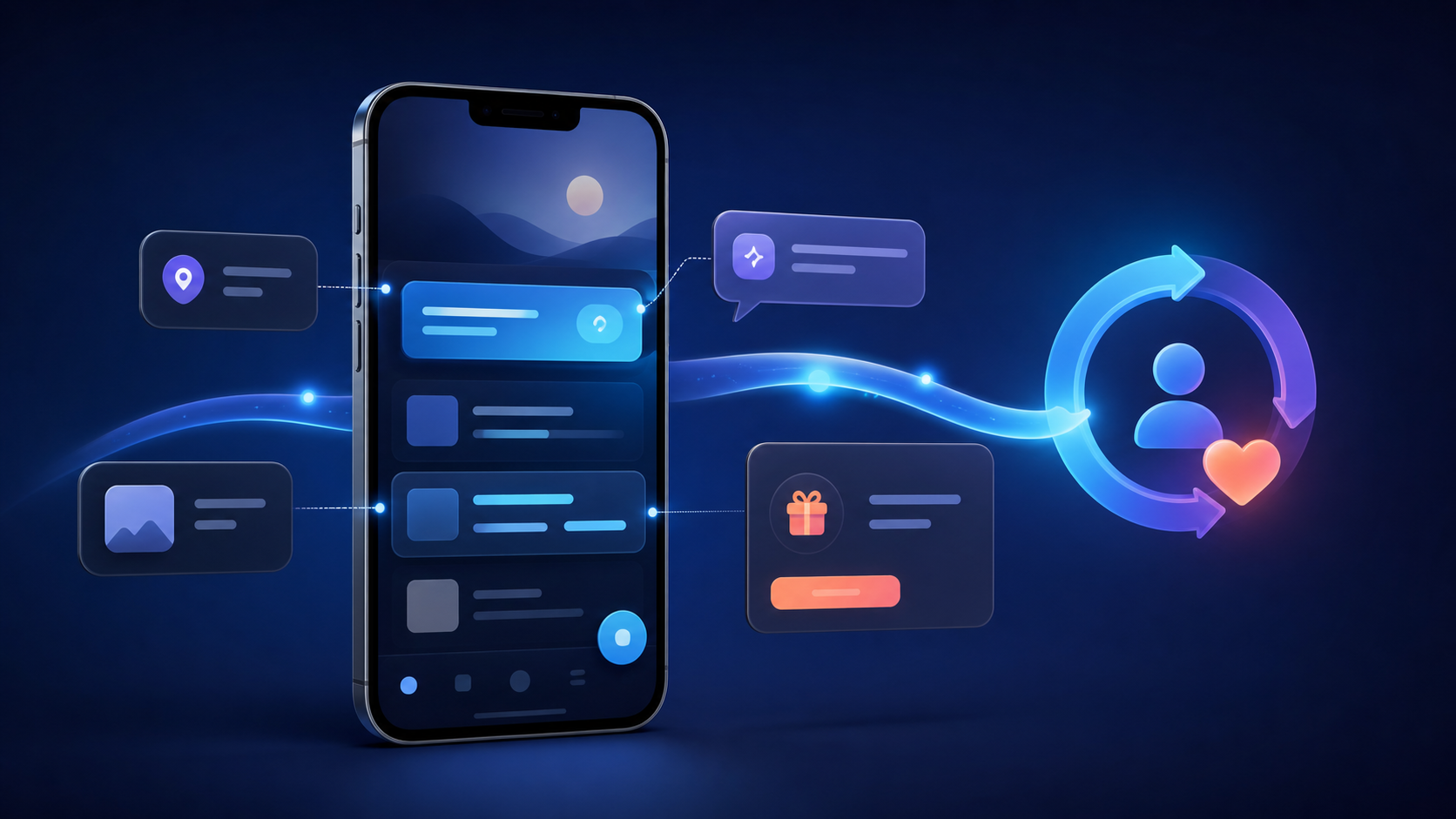
A user opens your app with a job to do. A generic promotion covers the screen, blocks that job, and teaches them to dismiss every message that follows. Effective in-app marketing does the opposite: it uses the context of the current session to help the user take a relevant next step.
This guide shows product, growth, and mobile teams how to design that step. You will learn which format fits each goal, how to connect campaigns to the right in-app destination, what to measure, and how to avoid turning a useful channel into interruption.
What is in-app marketing?
In-app marketing is any targeted message, prompt, or campaign shown while someone is actively using an app. It guides a user toward a valuable action—such as completing onboarding, discovering a feature, using an offer, renewing a subscription, or sharing feedback—based on the user's context and behavior.
That concise definition is consistent with Unity's in-app marketing glossary and Optimove's overview. The essential constraint is “while using the app.” A push notification may bring someone back; an in-app message meets them after they arrive.
The best campaign creates value on both sides. The user reaches an outcome with less effort, while the business improves activation, adoption, conversion, retention, or learning. A campaign that produces clicks but delays the user's original task is not automatically successful.
Where in-app marketing fits in the user journey
In-app campaigns work after acquisition, but they can support almost every later stage of the lifecycle.
| Lifecycle stage | User need | Useful campaign | Outcome to measure |
|---|---|---|---|
| First session | Understand the product's value | Short checklist or contextual tooltip | Activation event completed |
| Early use | Build a repeatable habit | Feature cue at a relevant moment | Feature adoption and return rate |
| Active use | Complete a task faster | Contextual recommendation or shortcut | Task completion and time to value |
| Monetization | Decide whether an offer fits | Paywall, upgrade prompt, or relevant bundle | Trial, purchase, revenue, refund rate |
| Retention | Recover from friction or inactivity | Help prompt, progress reminder, or new-content card | Return and retained activity |
| Advocacy | Share satisfaction | Review or referral request after success | Qualified reviews or referrals |
This is why “show a banner to everyone” is not a strategy. The user, moment, destination, and success event have to fit together.
In-app marketing formats and when to use them
Ranking guides commonly list tooltips, banners, modals, walkthroughs, surveys, and notifications. The more important decision is how much attention the message deserves.
Tooltips and hotspots
Use a tooltip to explain one control in context. It is effective when the user is already near the feature and can act immediately. Do not chain ten tooltips into a product tour that users must finish before doing real work.
Banners and cards
Banners suit low-urgency announcements, while cards can live naturally in a feed, dashboard, or empty state. They preserve the user's flow better than a modal, but they still need a clear destination and expiry rule.
Modals and interstitials
Use a modal when the decision matters now: consent, a breaking workflow change, a high-confidence upgrade opportunity, or a required account action. Make dismissal obvious unless completion is genuinely required. Unity's guidance warns against intrusive campaigns and hard-to-dismiss interstitials because they damage the experience the campaign is meant to improve.
Checklists and walkthroughs
Checklists make progress visible across several setup tasks. Walkthroughs are useful when actions must happen in sequence, but they should react to completed events rather than merely advancing when someone taps “Next.”
Surveys and feedback prompts
A one-question survey can explain friction close to the event that caused it. Ask only when the answer will change a decision, and do not repeatedly interrupt users who decline.
Personalized offers and paywalls
An offer belongs where the user can understand its value. A music app might present an offline-listening upgrade after a user tries to download; a commerce app might reveal a relevant loyalty benefit at checkout. Avoid using behavioral data to manufacture urgency or hide the real price.
Firebase In-App Messaging supports cards, banners, modals, and images triggered by audience or behavior. Its examples—subscribe, watch a video, complete a level, or buy an item—illustrate a useful rule: define the desired action before choosing the creative format.
Build an in-app marketing campaign in six decisions
Use this sequence before anyone opens a campaign builder.
1. Choose one behavioral outcome
“Increase engagement” is too broad. Choose an observable action such as complete profile, save the first item, enable a feature, start a trial, finish checkout, or return to a paused lesson.
Write the event definition at the same time. Specify when it fires, which properties it includes, how duplicates are handled, and who owns data quality.
2. Define an eligible audience
Use behavior that makes the message relevant. A user who has never opened the export screen should not receive an advanced export tip. A subscriber should not see a new-subscriber paywall.
Start with a small number of durable rules: lifecycle stage, completed events, plan, platform, locale, and recent activity. Over-segmentation creates tiny audiences and brittle campaigns that are hard to explain or test.
3. Select the moment and frequency
Trigger after a meaningful event, not simply after a timer. A request for an app review fits after a successful outcome, not during an error. An upgrade prompt fits after the user encounters a real limit, not immediately after launch.
Set a frequency cap and cooldown. Also define suppression rules for users in an error state, a payment flow, accessibility mode, a support conversation, or another campaign.
4. Write the smallest useful message
State the value, action, and consequence. “Finish your profile to get relevant recommendations” is clearer than “Unlock your full potential.” Match the label on the call to action with what happens next.
Provide a dismiss path, preserve progress, support screen readers and dynamic text, and localize layouts as well as words. If the offer expires, use a real deadline.
5. Send users to the exact destination
A persuasive message still fails when the button lands on the home screen and asks the user to search. Route the action to the specific feature, product, cart, settings page, or content item promised by the message.
For destinations that can also be reached from email, ads, social posts, QR codes, or the web, define a stable deep link rather than implementing separate navigation logic for every channel. Android's current deep-linking documentation describes direct app-to-app and web-to-app transitions, while Google's app-engagement guidance recommends Android App Links and iOS Universal Links for secure, direct destinations.

6. Choose the decision rule before launch
Define the primary metric, guardrails, exposure event, conversion window, minimum sample, and what result would justify rollout. Without a prewritten rule, teams tend to celebrate whichever metric moved.
For a feature-adoption card, the primary metric might be first successful use within seven days. Guardrails could include session completion, dismiss rate, crash-free sessions, support contacts, and retention. Revenue can be a secondary result without becoming the only definition of value.
Connect external campaigns to the in-app experience
In-app marketing should not begin only after someone happens to find the right screen. A push notification, email, paid re-engagement ad, referral, or web page can open the same destination and continue the message inside the app.
Google's engagement documentation gives practical examples: an abandoned-cart campaign can reopen the populated cart, a renewal message can open subscription options, and a feature announcement can land on that feature. The document also recommends testing destinations and notes that custom schemes may fail when the app is not installed, which is why fallback behavior belongs in the campaign plan.
Deeplinkly gives mobile teams one place to create and measure deep and deferred links across these journeys, with SDKs and APIs for iOS, Android, React Native, Flutter, and web. Use the deep-link debugger to validate routing before connecting a destination to a live in-app or re-engagement campaign.
Preserve context across the handoff. Pass only the parameters the destination needs, validate them, and define a safe fallback for signed-out users, unavailable content, unsupported app versions, and people who still need to install. Learn the underlying routing model in this guide to what a deep link is.
Measure in-app marketing without fooling yourself
Campaign reporting needs more than impressions and clicks.
Instrument exposure, action, and outcome
Record when a message was actually rendered, not only when a user qualified. Then record the call-to-action tap, dismissal, destination load, target event, and relevant error. These events reveal whether the message, navigation, or product experience caused the drop-off.
Use a holdout when possible
Users who convert after seeing a message are not proof that the message caused the conversion. High-intent users may have converted anyway. Randomly withhold the campaign from an eligible control group and compare outcomes over an appropriate window.
For persistent lifecycle programs, maintain a global or rotating holdout so the team can estimate incremental impact across overlapping campaigns. If randomization is impossible, label the result observational and avoid causal language.
Read guardrails alongside lift
A modal can raise short-term clicks while lowering completed sessions or increasing uninstalls. Review the primary outcome with retention, opt-out, refund, support, performance, and accessibility signals. Segment results by new versus established users, platform, app version, and acquisition source only when the sample supports it.
Reconcile campaign and business data
The messaging tool may report a purchase event before a refund, while finance reports settled revenue later. Document which system owns exposure, attribution, subscription state, and money. Stable IDs and timestamps let analysts reconcile the journey without pretending every dashboard should match exactly.
Common in-app marketing mistakes
Avoid these failure patterns:
- Targeting everyone: broad reach trades relevance for irritation.
- Triggering on app open: the message competes with the user's original intent.
- Using a modal for minor news: attention cost exceeds message value.
- Sending every CTA home: the user must repeat the navigation work.
- Optimizing for taps: click-through rises while the business outcome stays flat.
- Ignoring collisions: several teams message the same user in one session.
- Skipping a control: correlation gets reported as incremental lift.
- Forgetting expiry: stale offers and outdated feature announcements remain live.
- Testing only the happy path: signed-out, offline, old-version, and no-install states break.
Create a campaign registry with owner, audience, trigger, priority, frequency, destination, experiment, start, expiry, and rollback fields. A small registry prevents more damage than a large library of templates.
Frequently asked questions
What is the difference between in-app marketing and push notifications?
In-app marketing appears while a person is using the app and can react to the current screen or action. Push notifications appear outside the app and are primarily used to bring someone back; the notification should deep link to a relevant in-app destination.
What are examples of in-app marketing?
Examples include onboarding checklists, contextual tooltips, feature cards, upgrade prompts, personalized offers, review requests, micro-surveys, renewal reminders, and messages that help a user recover from an error or incomplete task.
When should an in-app message appear?
Show it at the first moment when the user has enough context to benefit and can act without abandoning a more important task. Prefer behavioral triggers, frequency limits, and suppression rules over a generic message on every app open.
How do you measure an in-app campaign?
Track actual exposure, interaction, destination load, target outcome, and guardrail metrics. Compare an eligible treatment group with a randomized holdout when possible, and define the decision rule before launching.
Do in-app campaigns need deep links?
Not every internal prompt needs a URL, but every call to action needs deterministic navigation. Deep links are especially useful when the same destination is reached from push, email, ads, social, QR codes, or web content.
Conclusion
In-app marketing works when it reduces the distance between user intent and a valuable outcome. Start with one behavior, choose an eligible audience and moment, write the smallest useful message, route to the promised destination, and measure incremental change with guardrails.
Do not begin with a format calendar. Pick one point in the lifecycle where users currently stall, build a campaign and holdout around that event, test every destination state, and ship only if the outcome improves without making the surrounding experience worse.