
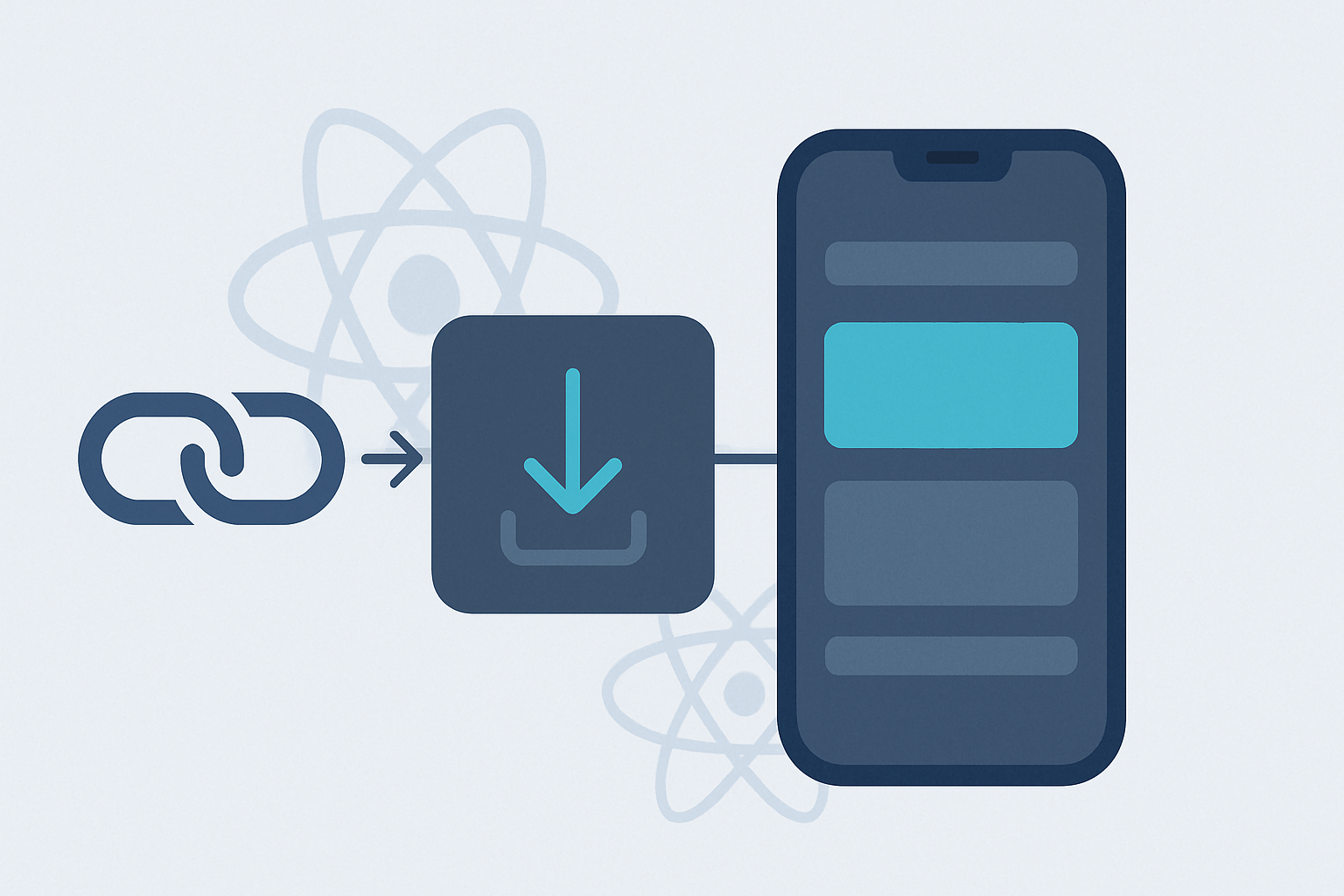
A user taps your promo link on Instagram, doesn't have the app, installs it from the App Store, opens it — and lands on a generic home screen. The product they tapped on is gone. That gap is exactly what deferred deep linking closes, and it's the one piece of React Native deep linking the built-in Linking API can't solve on its own.
This guide covers the full picture: standard deep linking with the Linking API and React Navigation, why deferred deep linking requires an install-matching service, the approaches available on iOS and Android, and production-ready code to route new users to the right screen after their first launch.
Deep Linking vs. Deferred Deep Linking in React Native
A standard deep link routes a user who already has the app installed to a specific screen. React Native handles this natively through the Linking API and, if you use React Navigation, its linking configuration. The OS receives the URL, hands it to your app, and your navigator resolves it to a screen.
A deferred deep link does the same job for a user who does not have the app yet. The link is clicked, the app is installed from the store, and the intended destination — plus any campaign context — has to survive that install and be delivered on first launch. Nothing in the URL survives the App Store or Play Store round trip, which is why deferred deep linking is a distinct problem with a distinct solution.
| Scenario | App installed? | Handled by | Context survives install? |
|---|---|---|---|
| Standard deep link | Yes | Linking API / React Navigation | N/A — no install |
| Deferred deep link | No (installs first) | Install-matching service + SDK | Yes, via the service |
Set Up Standard Deep Linking First
Deferred routing reuses the same navigation layer as standard deep linking, so wire that up first. React Navigation's linking prop maps URL paths to screens. Register your custom scheme and your verified https domains (Universal Links on iOS, App Links on Android) as prefixes.
// App.tsx — React Navigation linking config
import { NavigationContainer } from '@react-navigation/native';

const linking = {
  prefixes: [
    'myapp://',                       // custom scheme
    'https://links.myapp.com',        // Universal Links / App Links domain
  ],
  config: {
    screens: {
      Home: '',
      Product: 'product/:id',
      Promo: 'promo/:campaign',
    },
  },
};

export default function App() {
  return (
    <NavigationContainer linking={linking} fallback={<Splash />}>
      <RootNavigator />
    </NavigationContainer>
  );
}
If you are not using React Navigation, read the initial URL and subscribe to subsequent links directly with the Linking API:
import { Linking } from 'react-native';
import { useEffect } from 'react';

function useDeepLinks(onLink) {
  useEffect(() => {
    // Cold start: app opened via a link
    Linking.getInitialURL().then((url) => {
      if (url) onLink(url);
    });
    // Warm: link tapped while app is running
    const sub = Linking.addEventListener('url', ({ url }) => onLink(url));
    return () => sub.remove();
  }, [onLink]);
}
This covers every case where the app is already installed. For the native association files that make https links open your app — the apple-app-site-association file on iOS and assetlinks.json on Android — see our companion guides on Universal Links and Android App Links .
Why the Linking API Can't Do Deferred Deep Linking Alone
When a user without the app taps your link, the OS opens the store, not your app. The install happens in a separate process, and when your app finally launches for the first time, Linking.getInitialURL() returns null. There is no URL, because the app was launched by the store, not by the link.
To bridge that gap you need something that remembers the click and reconnects it to the install. That requires a server-side matching layer — you cannot solve it with client-only code, because the two events happen on different sides of an install boundary the OS deliberately isolates.
The Platform Building Blocks
| Mechanism | Platform | Deterministic? | Notes |
|---|---|---|---|
| Play Install Referrer API | Android | Yes | Store passes a referrer string through the install — the reliable path on Android. |
| SKAdNetwork / AdServices | iOS | Partial | Privacy-preserving attribution tokens; coarse, not a full payload. |
| Fingerprinting (IP + UA match) | Both | No | Some vendors infer matches this way, but it is less precise and raises privacy and platform-policy concerns. Deeplinkly does not use it. |
| Install-matching service | Both | Yes | Stores the click server-side and returns the payload on first open. |
On Android you can build a limited version yourself with the Play Install Referrer API. On iOS there is no equivalent that carries a full custom payload, so a matching service is the practical answer for a cross-platform React Native app. Building and maintaining that service — click storage, matching windows, privacy handling — is why most teams use an SDK rather than rolling their own.
Implementing Deferred Deep Linking in React Native
The pattern is the same across every deep linking / MMP SDK: initialize early, register a handler that fires once the install is matched, and forward the resolved path into the same navigation logic your standard deep links already use. The example below uses a generic DeepLinkSDK — substitute your provider's package.
// deepLinks.ts — initialize once, as early as possible
import DeepLinkSDK from '@deeplinkly/react-native';
import { navigate } from './navigationRef';

export function initDeepLinks() {
  DeepLinkSDK.init({ apiKey: process.env.DEEPLINKLY_KEY });

  // Fires for BOTH standard and deferred links.
  // On a fresh install, this resolves after the service
  // matches the original click to this install.
  DeepLinkSDK.onLink(({ path, params }) => {
    routeFromDeepLink(path, params);
  });
}

function routeFromDeepLink(path: string, params: Record<string, string>) {
  // Reuse the same routing you use for standard links
  switch (path.split('/')[0]) {
    case 'product':
      return navigate('Product', { id: params.id });
    case 'promo':
      return navigate('Promo', { campaign: params.campaign });
    default:
      return navigate('Home');
  }
}
Because navigation may not be mounted at the instant the link resolves on a cold start, route through a navigation ref rather than a hook so you can navigate imperatively from outside the React tree:
// navigationRef.ts
import { createNavigationContainerRef } from '@react-navigation/native';

export const navigationRef = createNavigationContainerRef();

export function navigate(name: string, params?: object) {
  if (navigationRef.isReady()) {
    navigationRef.navigate(name, params);
  } else {
    // Queue until the container is ready
    pending = { name, params };
  }
}

let pending: { name: string; params?: object } | null = null;
export function flushPending() {
  if (pending && navigationRef.isReady()) {
    navigationRef.navigate(pending.name, pending.params);
    pending = null;
  }
}
Wire the ref into your container and flush anything that resolved before mount:
<NavigationContainer ref={navigationRef} onReady={flushPending}>
  <RootNavigator />
</NavigationContainer>
If you want to skip building and maintaining the matching service yourself, Deeplinkly provides the React Native SDK and the server-side install matching in one package — deferred deep linking plus install attribution. Deeplinkly attributes an install only when a supported deterministic click or referrer signal survives. It does not fingerprint the device to infer a fallback match; if no signal survives, the install remains unattributed. The integration above is close to a drop-in, and setup runs in under 30 minutes.
Testing Deferred Deep Linking
Deferred flows only exercise correctly on a genuine first install, which makes them easy to test wrong. Follow this sequence:
- Fully uninstall the app. A reinstall over existing data can short-circuit the deferred path and mask bugs.
- Tap the link, not paste it. The click has to be registered by the service before the install to be matched.
- Install from the store build (or a TestFlight / internal-testing build). Debug builds sideloaded via Metro skip the store install path entirely.
- Confirm the resolved payload on first launch. Log the path and params in your onLink handler before routing, so you can see exactly what was matched.
For the standard-link half, you can trigger a link straight from the terminal to confirm routing without the store: npx uri-scheme open "myapp://product/42" --ios (or --android ). This validates the navigation config independently of the deferred matching.
Common Pitfalls
- Initializing the SDK too late. If init runs after the first screen renders, a cold-start deferred link can resolve before your handler is registered. Initialize in your entry file before navigation mounts.
- Navigating before the container is ready. Cold starts frequently resolve the link before NavigationContainer mounts. Use a navigation ref and flush on onReady, as shown above.
- Relying on the iOS pasteboard. The clipboard-based deferred trick now triggers the system paste banner and is unreliable. Use a matching service instead.
- Inferring a match when no deterministic signal survives. A fingerprint-based inference can route a user to the wrong destination and raises privacy and platform-policy concerns. Use supported deterministic methods such as Install Referrer on Android or a Deeplinkly click identifier, and leave unmatched installs unattributed.
Frequently Asked Questions
Can React Native do deferred deep linking without a third-party SDK?
Not fully. On Android you can use the Play Install Referrer API to pass a payload through the install, but iOS has no equivalent that carries a custom destination. For a cross-platform React Native app you need a server-side install-matching layer, which is what deep linking SDKs provide. Standard (non-deferred) deep linking is fully supported natively through the Linking API and React Navigation.
Why does Linking.getInitialURL() return null after installing from a link?
Because the app was launched by the App Store or Play Store, not by the link. The OS isolates the install from the original click, so no URL is delivered to a fresh install. Deferred deep linking reconnects the two using a matching service that stored the click before install and returns the payload on first launch.
Does deferred deep linking work with React Navigation?
Yes. You reuse the same routing you already defined. When the SDK resolves a deferred link, forward the path and params into a navigation ref (createNavigationContainerRef) so you can navigate imperatively even before the container mounts on a cold start.
How reliable is deferred deep link matching?
It depends on which supported deterministic mechanism carries the destination through the install. On Android, the Play Install Referrer can pass the parameters through intact; in supported Deeplinkly flows, a click identifier can identify the specific click. Deeplinkly does not fingerprint devices or infer a match from IP address, device characteristics, or timing. If no deterministic signal survives, the install remains unattributed.
How do I test deferred deep linking on a simulator?
You generally can't test the true deferred path on a simulator, because it requires a real store install. Test standard link routing on the simulator with the uri-scheme tool, and test the deferred flow on a physical device using a store, TestFlight, or internal-testing build after a full uninstall.
Where to Go From Here
If you only need to route users who already have the app, the Linking API and React Navigation are all you need — wire up the config above and you're done. The moment you run acquisition campaigns that send new users through the store, deferred deep linking becomes the difference between a coherent first session and a generic home screen, and it's the single biggest lever on first-session conversion for installs.
Start with standard deep linking, confirm your association files resolve, then layer deferred matching on top. If you'd rather not run the matching service yourself, Deeplinkly's React Native SDK gives you both halves in one integration.
Deferred deep linking, live in 30 minutes.
One React Native SDK for deep linking, deferred routing, and install attribution — deterministic matching, transparent pricing.
Start Free
View documentation
iOS · Android · Flutter · React Native
No credit card
Back to all articles
© Deeplinkly